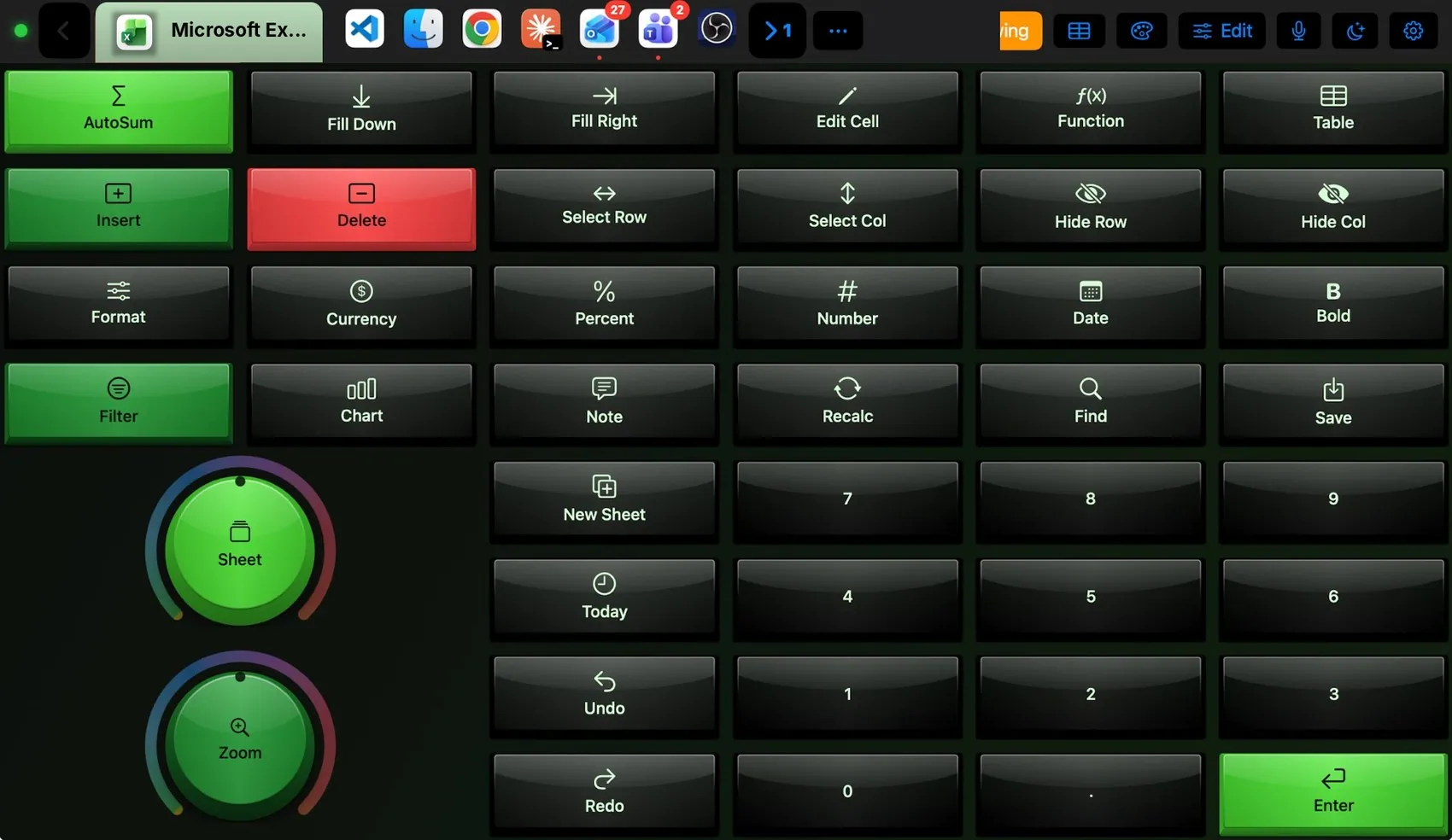
AutoSum, Fill Down and Fill Right, Edit Cell, Function and Table; insert and delete, select and hide rows and columns; number formats and Bold; Filter, Chart, Note, Recalc, Find and Save; a numpad with Enter; a Sheet knob to walk tabs and a Zoom knob.
Green backlight over black caps, close to Excel green
The layout
Every control, explained.
Point at a key on the pad above or on a row below: both light up. These are the keys of the built-in Excel layout and what each one sends to the Mac.
AutoSum⇧⌘T
Fill Down⌘D
Fill Right⌘R
Edit Cell⌃U
Function⇧F3
Table⌘T
InsertMenu: Insert ▸ Rows
Delete⌘-
Select Row⇧Space
Select Col⌃Space
Hide Row⌃9
Hide Col⌃0
Format⌘1
Currency⌃⇧4
Percent⌃⇧5
Number⌃⇧1
Date⌃⇧3
Bold⌘B
Filter⇧⌘F
Chart⌥F1
Note⇧F2
RecalcF9
Find⌘F
Save⌘S
SheetRight: ⌥→ · Left: ⌥←2 × 2 cells
New Sheet⇧F11
Today⌃;
ZoomTurn2 × 2 cells
Undo⌘Z
Redo⌘Y
EnterReturn
Controls
More than keys.
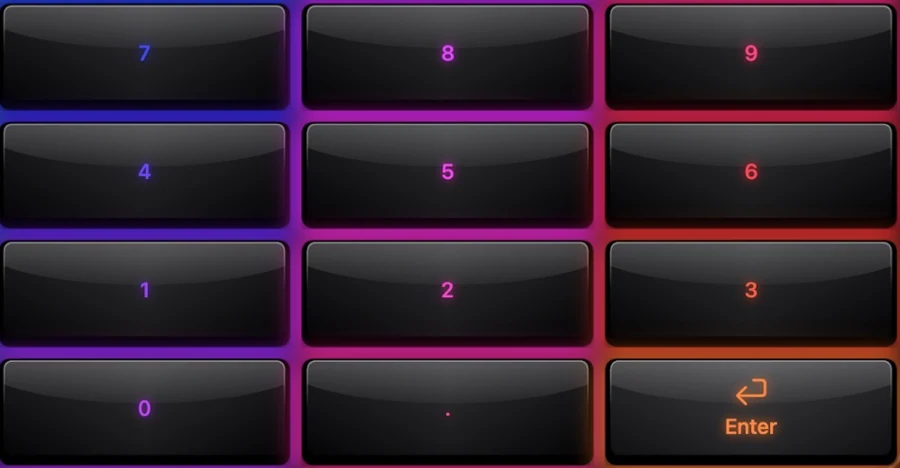
Numpad
Digits, decimal point and Enter, for laptops without one.
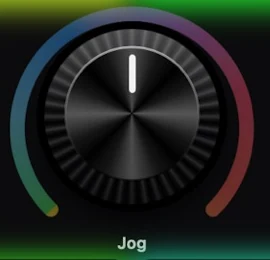
Sheet and Zoom knobs
Sheet walks the tabs (⌥← ⌥→); Zoom changes the zoom level.
Integration
What the Mac and the pad share.
On the Mac
Follows Excel
Number formats use Excel’s own shortcuts
The Excel plugin
Microsoft Excel layout
Razer BlackWidow theme suggestion
It may
Keys in Excel
Macros
Ideas to start from.
Build these in Settings ▸ Macros with blocks, then put them on a key, a Siri phrase or a trigger. Steps in bold are what you fill in.
Monthly report
WHEN First weekday 08:30
Open Microsoft Excel
Press F9 (recalculate)
Press ⌘S
Themes
Dress it like the app.
Any of the 104 themes works on this layout. Pin one to this app and only Excel wears it.

 Numpad
 Sheet and Zoom knobs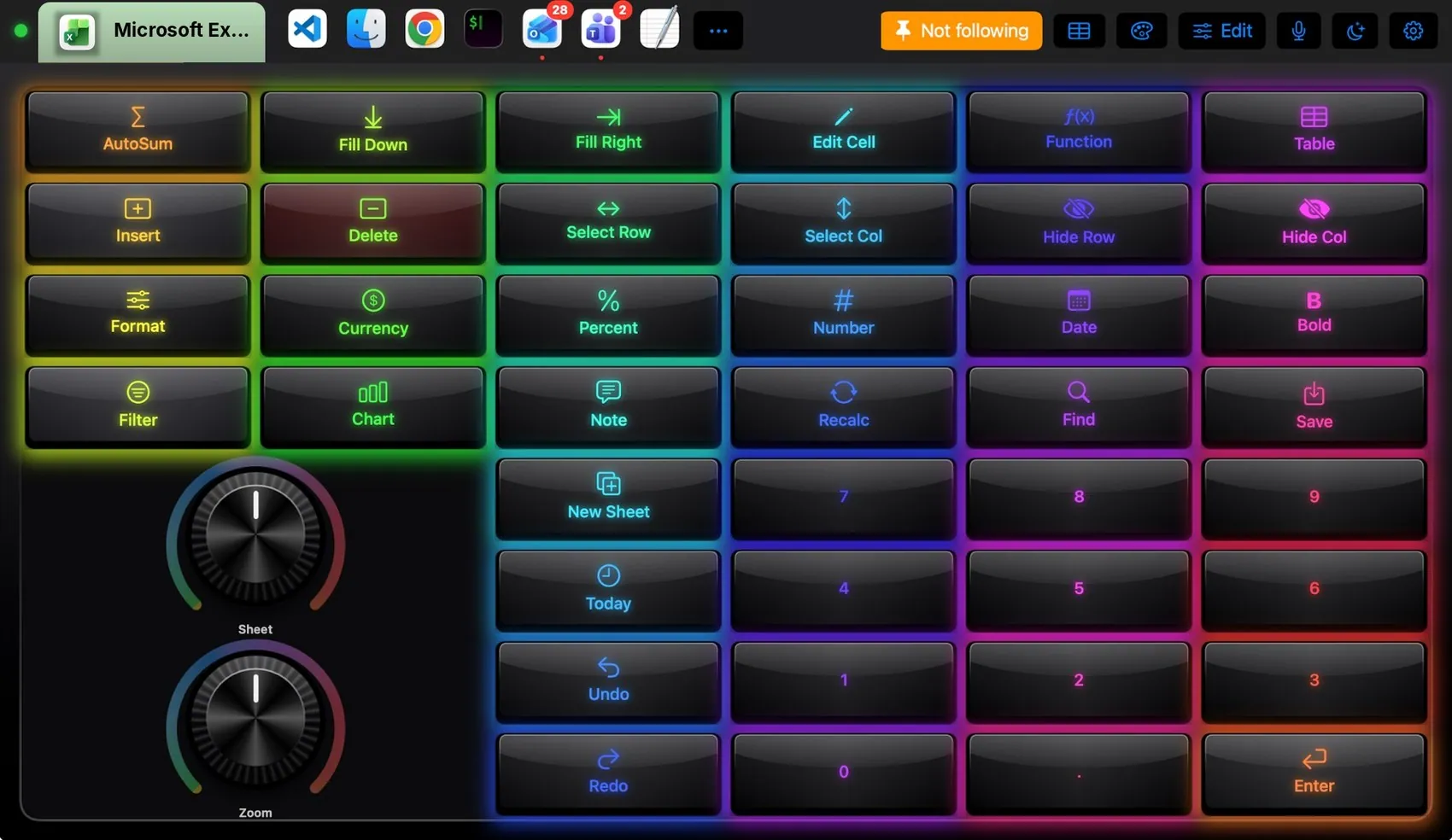
 Final Cut Pro
 Photoshop
 OBS Studio
 Teams
Teams Claude
 VS Code
 Logic Pro
 Blender
 Spotify