Logic Pro
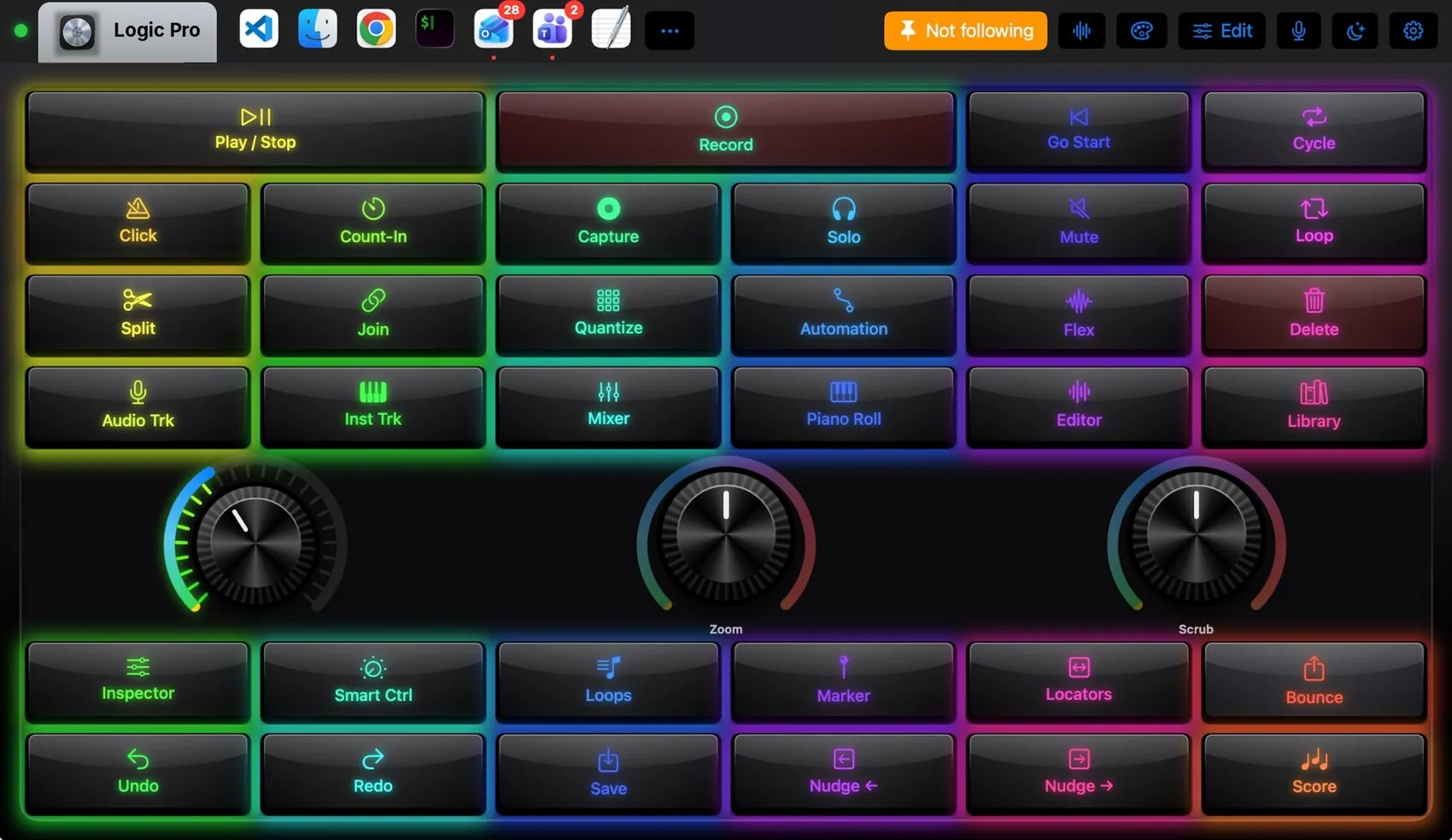
Play / Stop and Record on wide keys, Go to Start and Cycle; Click, Count-In, Capture, Solo, Mute and Loop; Split, Join, Quantize, Automation, Flex and Delete; new audio and instrument tracks; Mixer, Piano Roll, Editor and Library; a volume knob, a zoom knob and a scrub knob; markers, locators and Bounce. For playing, switch to Mini Keys 25: two octaves of piano keys with a trackball for pitch and modulation.
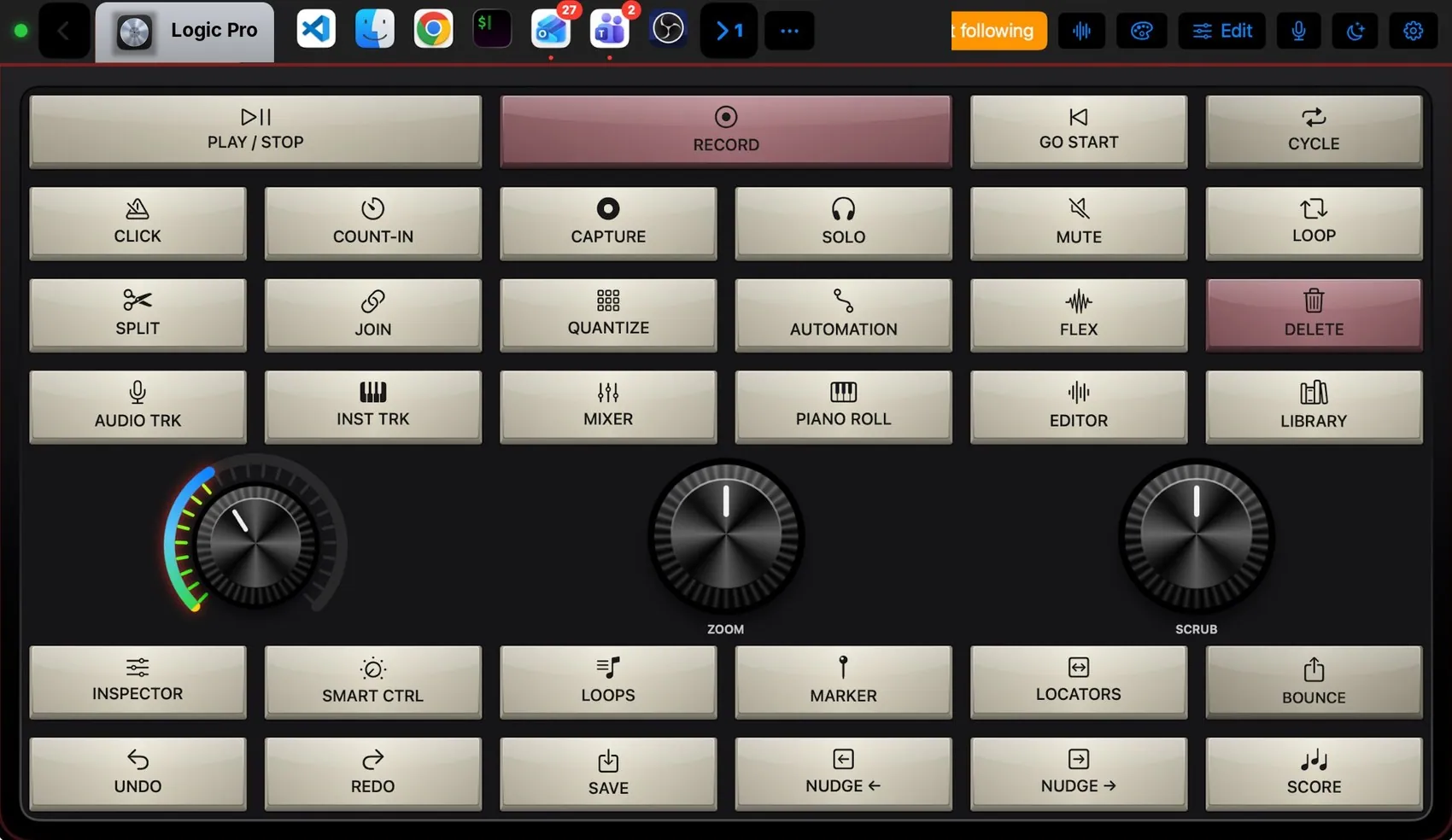

Every control, explained.
Point at a key on the pad above or on a row below: both light up. These are the keys of the built-in Logic Pro layout and what each one sends to the Mac.
More than keys.
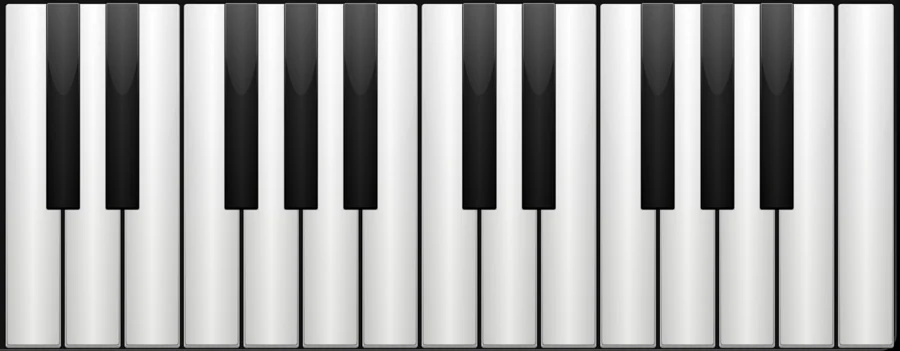
Two octaves of MIDI notes from the Mini Keys 25 layout.
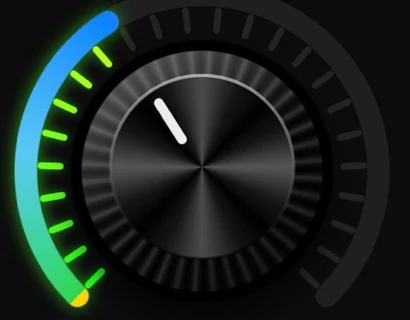
Zoom is ⌘← ⌘→, Scrub moves the playhead with , and .
What the Mac and the pad share.
On the Mac
- Keys are Logic Pro’s default key commands
- A key on a MIDI device can trigger any iMacroPad action through the Mac
- Transport keys work while Logic is in the background when the pad targets it
The Logic Pro plugin
- Logic Pro layout and Mini Keys 25
- MIDI triggers: a note on your hardware runs an action
- Vintage Sampler theme suggestion
It may
- Keys in Logic Pro
- MIDI triggers on the Mac
Ideas to start from.
Build these in Settings ▸ Macros with blocks, then put them on a key, a Siri phrase or a trigger. Steps in bold are what you fill in.
New take
Bounce and open
Dress it like the app.
Any of the 104 themes works on this layout. Pin one to this app and only Logic Pro wears it.
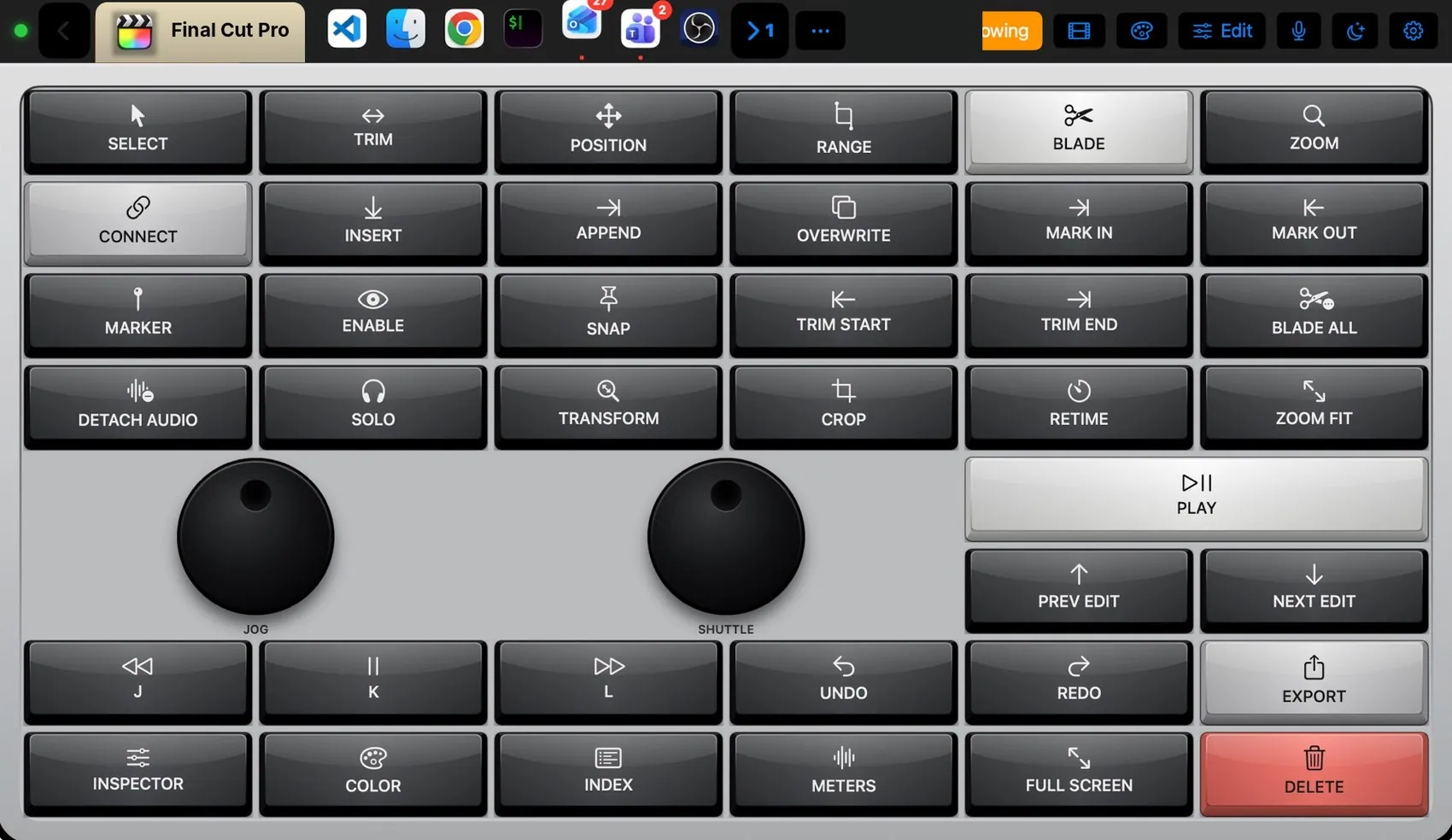
 Final Cut Pro
 Photoshop
 OBS Studio
 Teams
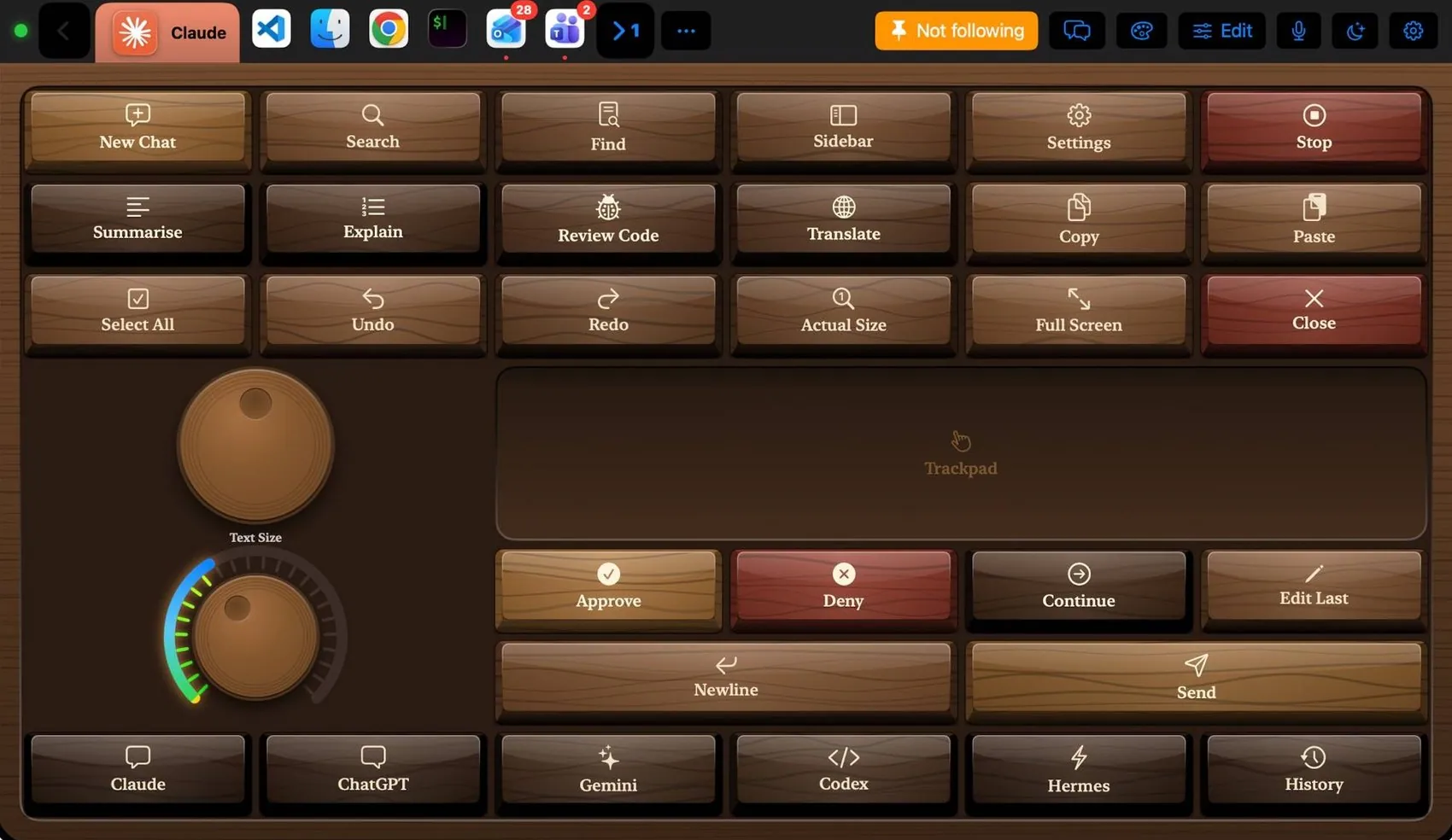
Teams Claude
 VS Code
 Excel
Excel Blender
 Spotify