
Spotify & Music
The Media Deck follows Spotify, Music, Podcasts and TV: a big Play key, Previous, Next and Mute; Shuffle, Repeat and Like; Seek; a volume fader, preset volume keys, a brightness knob and the big volume knob. The knob mirrors the Mac’s output both ways: turn the Mac down and the knob turns with it.
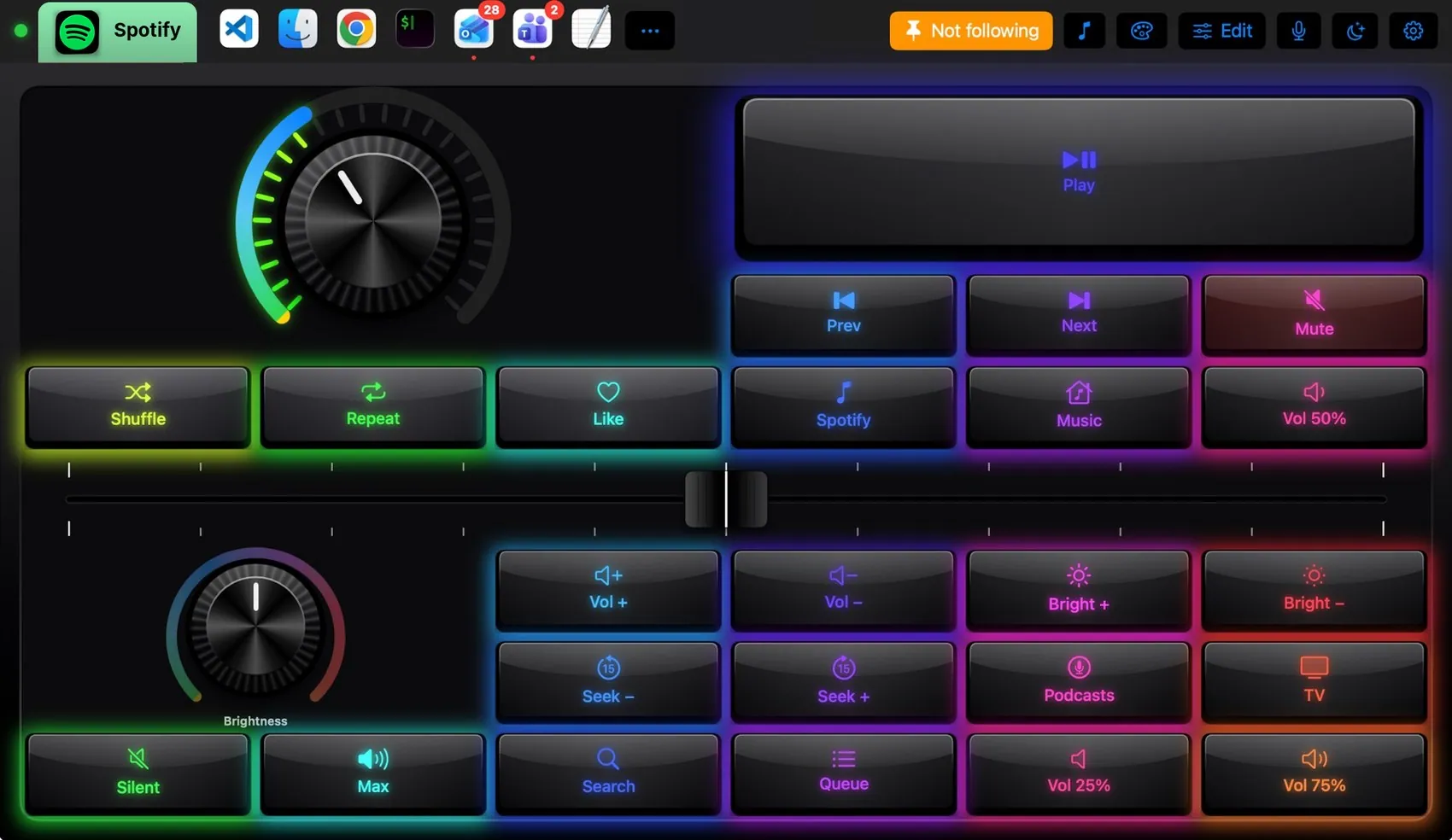

Every control, explained.
Point at a key on the pad above or on a row below: both light up. These are the keys of the built-in Spotify layout and what each one sends to the Mac.
More than keys.

LED ring and segment meter; tap to mute.

The same volume as a fader across the pad.
What the Mac and the pad share.
On the Mac
- Output volume and mute, live
- Now playing, for the screensaver’s panel
The Spotify plugin
- Media Deck layout
It may
- Media keys and volume
- Keys in Spotify and Music
Ideas to start from.
Build these in Settings ▸ Macros with blocks, then put them on a key, a Siri phrase or a trigger. Steps in bold are what you fill in.
Focus music
Dress it like the app.
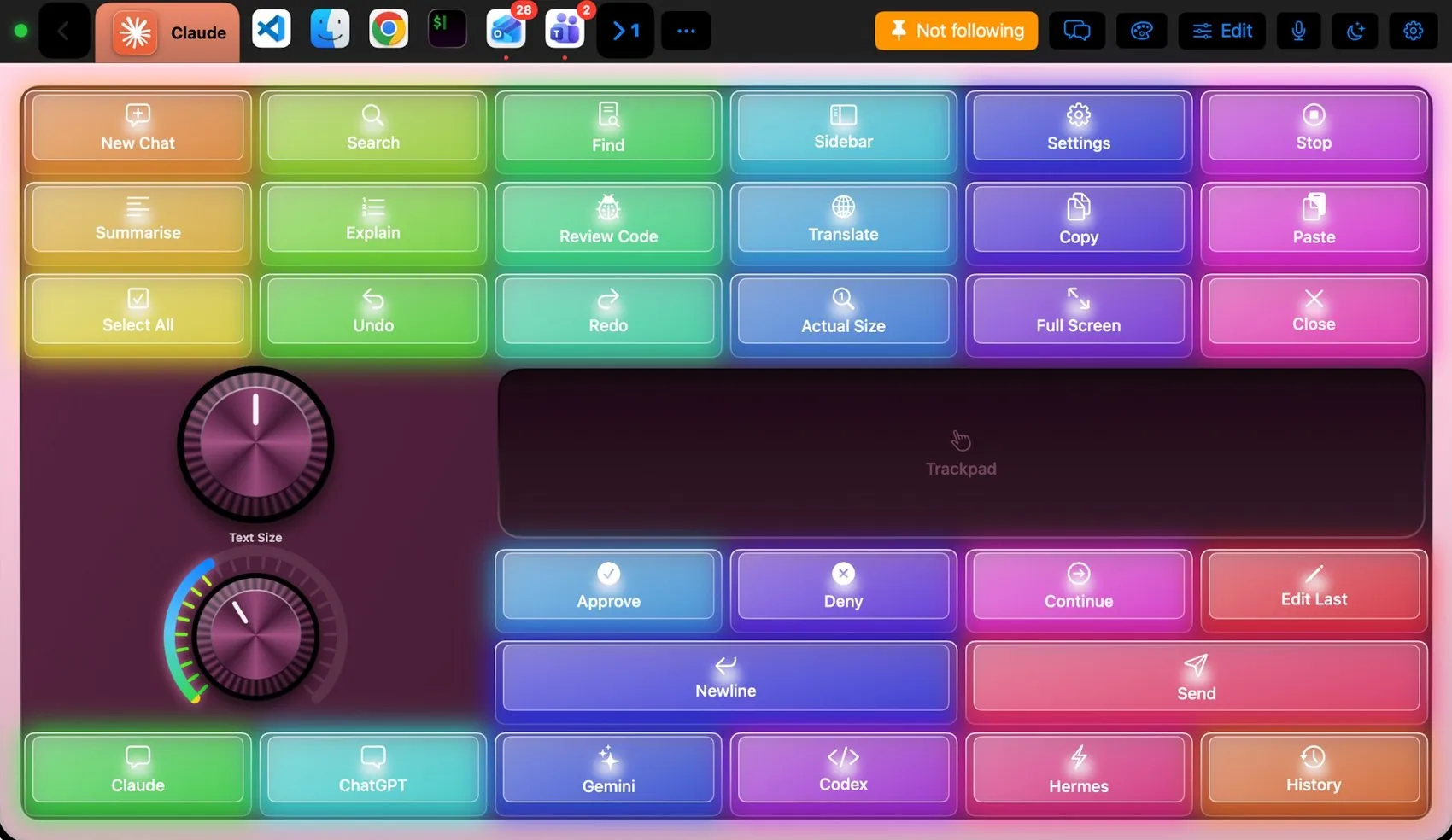
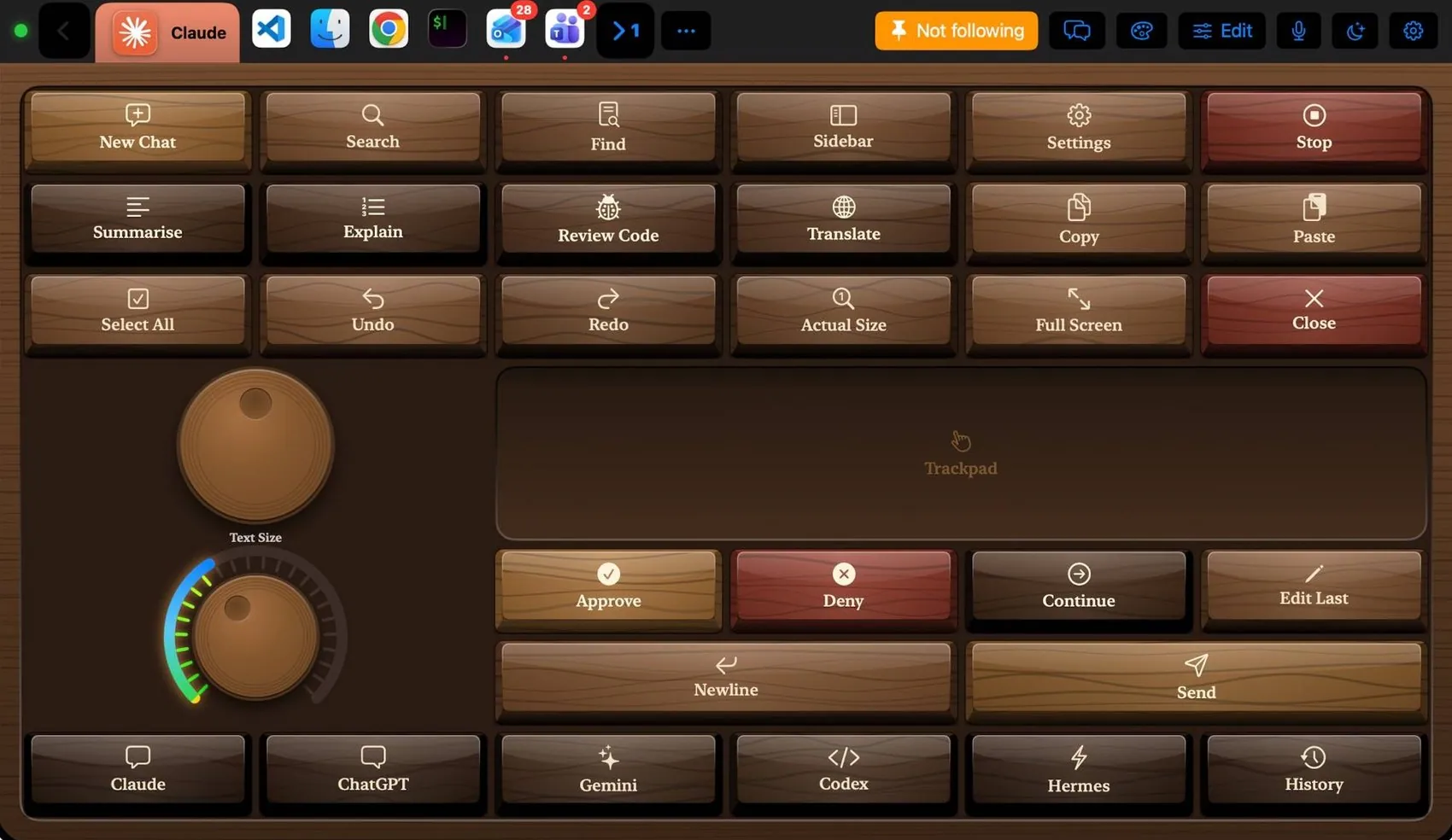
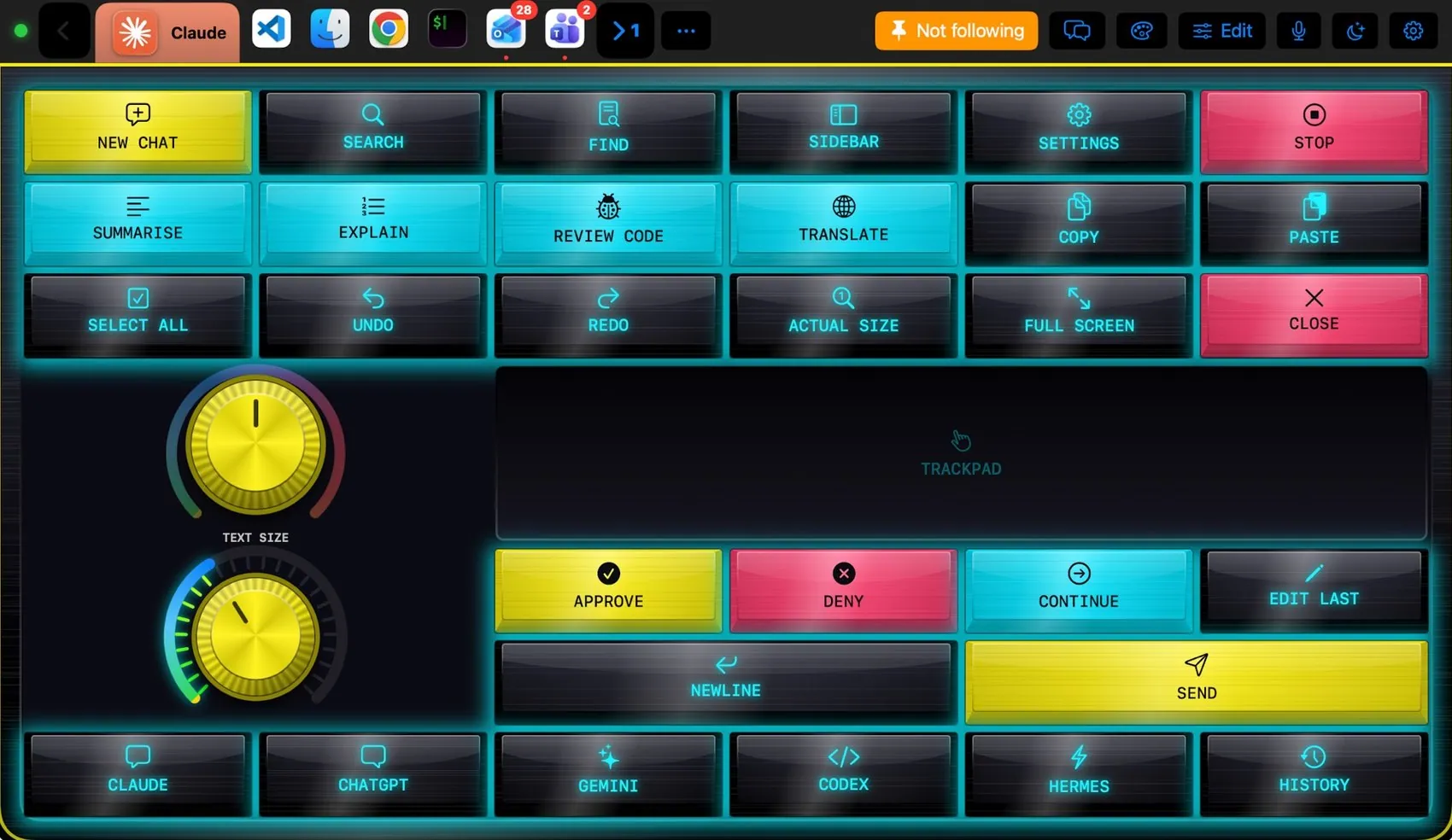
Any of the 104 themes works on this layout. Pin one to this app and only Spotify wears it.
 Final Cut Pro
 Photoshop
 OBS Studio
 Teams
Teams Claude
 VS Code
 Logic Pro
 Excel
Excel Blender