
Microsoft Teams
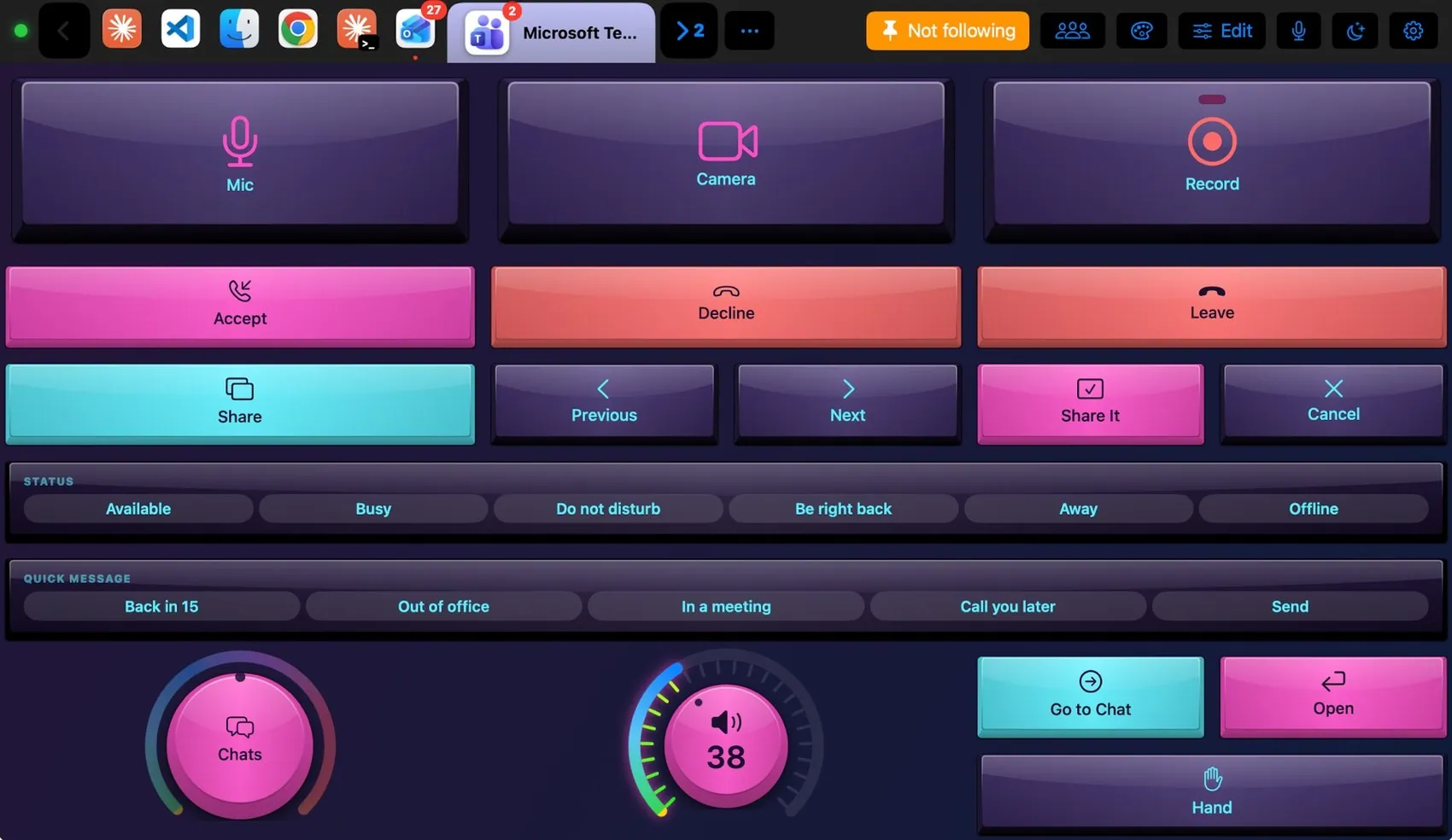
Big Mic, Camera and Record keys; Accept, Decline and Leave; Share with Previous, Next, Share It and Cancel to walk Teams’ share tray; a status strip; quick messages written into the open chat; a Chats knob that walks your recent chats (⌘G); Raise Hand. The keys use Teams’ own shortcuts, and the Mac clicks the commands that have none.

Every control, explained.
Point at a key on the pad above or on a row below: both light up. These are the keys of the built-in Teams layout and what each one sends to the Mac.
More than keys.

Available, Busy, Do not disturb, Be right back, Away, Offline. Quick messages are typed into the chat box and left there for you to send.
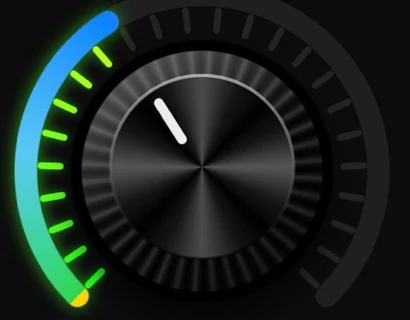
Turn Chats through your recent chats, tap Open. Volume is the Mac’s output.
What the Mac and the pad share.
On the Mac
- Mic, camera, hand and status keys light up as you use them
- Record, transcript and captions have no shortcut in Teams: the Mac opens the meeting’s More menu and clicks them
- Keys go to Teams even while you work in another app, when the pad targets Teams
The Teams plugin
- Microsoft Teams layout
- Teams commands: mic, camera, blur, raise hand, share, accept, decline, leave, status, record, captions, transcript
- Teams theme and colours
- Two trackpad gestures and 19 extra components (Chat, Captions, Activity, Calendar…)
It may
- Keys and menu items in Teams
- Clicking Teams’ meeting buttons
Ideas to start from.
Build these in Settings ▸ Macros with blocks, then put them on a key, a Siri phrase or a trigger. Steps in bold are what you fill in.
Meeting ready
Present now
Dress it like the app.
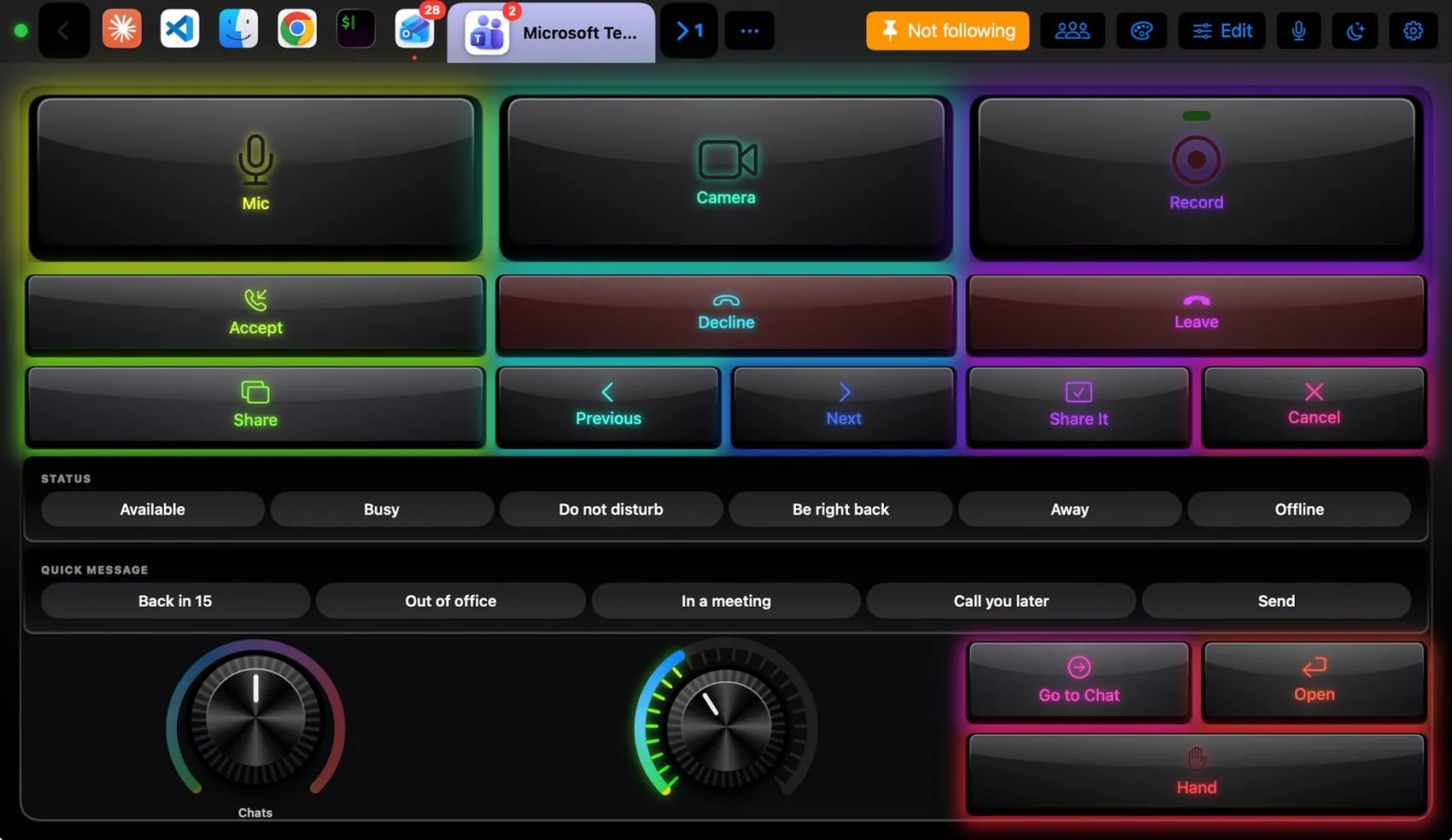
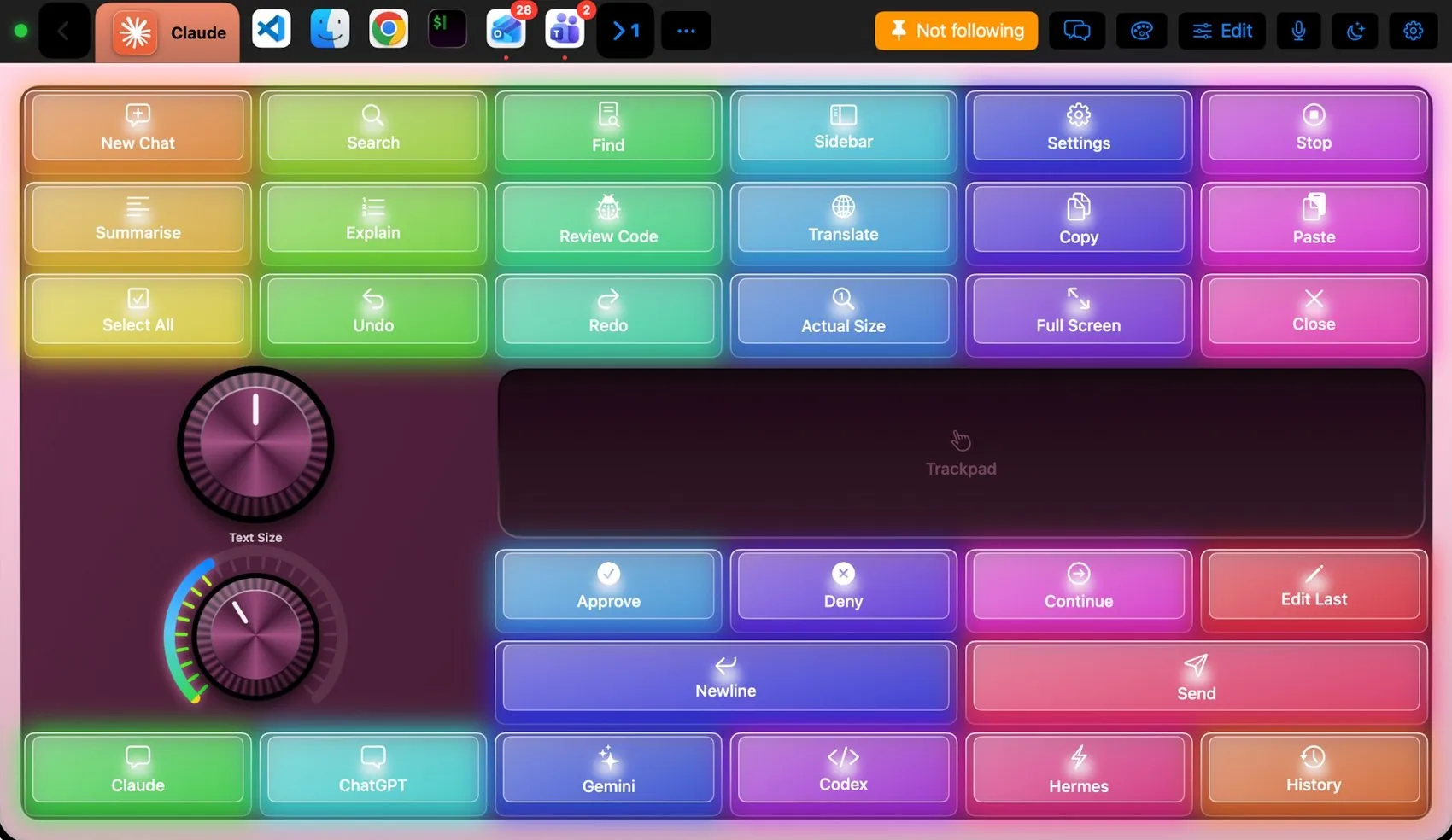
Any of the 104 themes works on this layout. Pin one to this app and only Teams wears it.
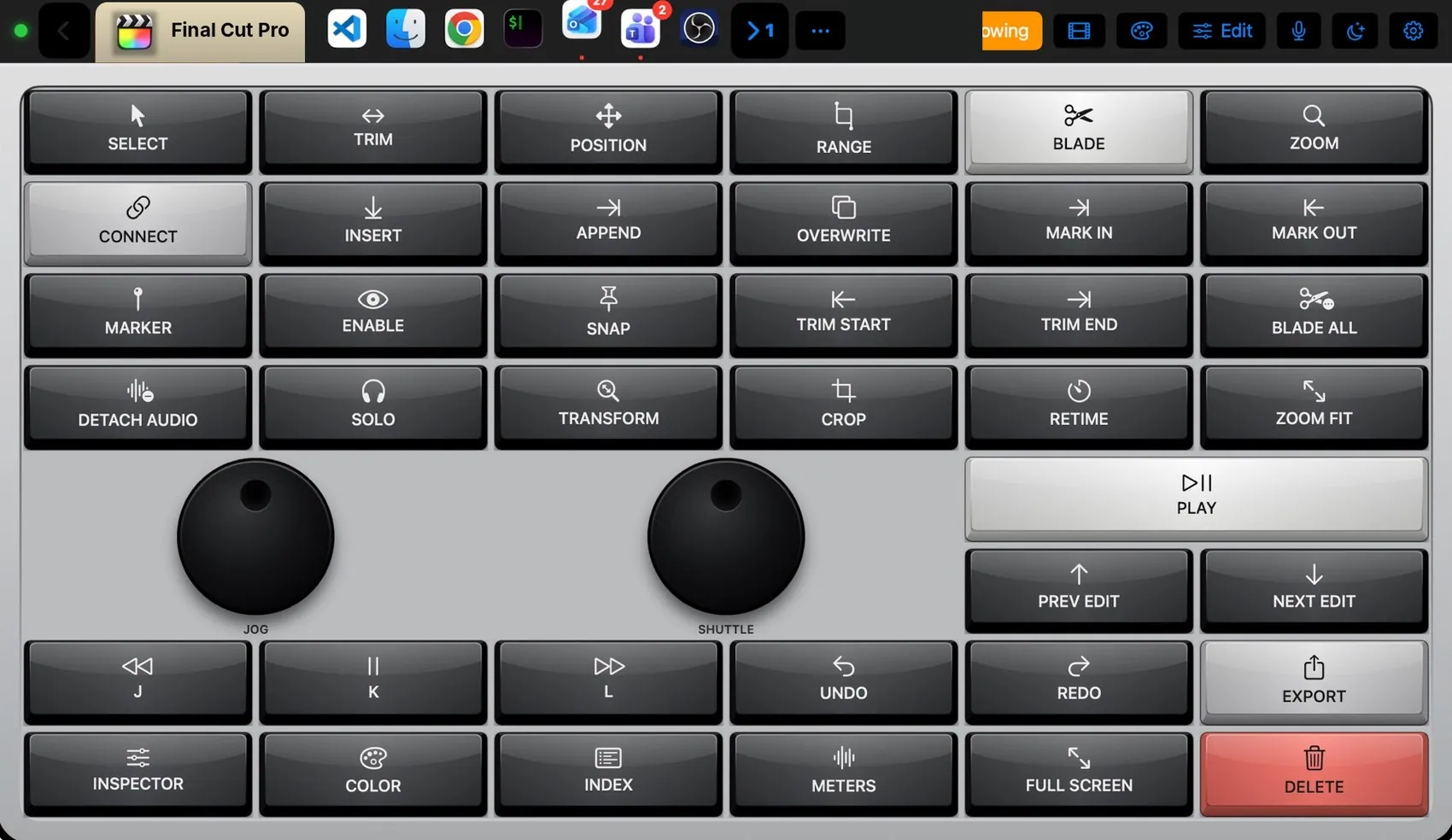
 Final Cut Pro
 Photoshop
 OBS Studio
 Claude
 VS Code
 Logic Pro
 Excel
Excel Blender
 Spotify