
Visual Studio Code
Palette, save and find; terminal, format, go to definition and rename; Copilot, chat and fix; split, zen, problems and explorer; run, debug, next error and Git. Two scroll wheels, one vertical and one horizontal, and a trackpad sit beside the keys. Commands without a fixed shortcut are pressed as menu items by name.
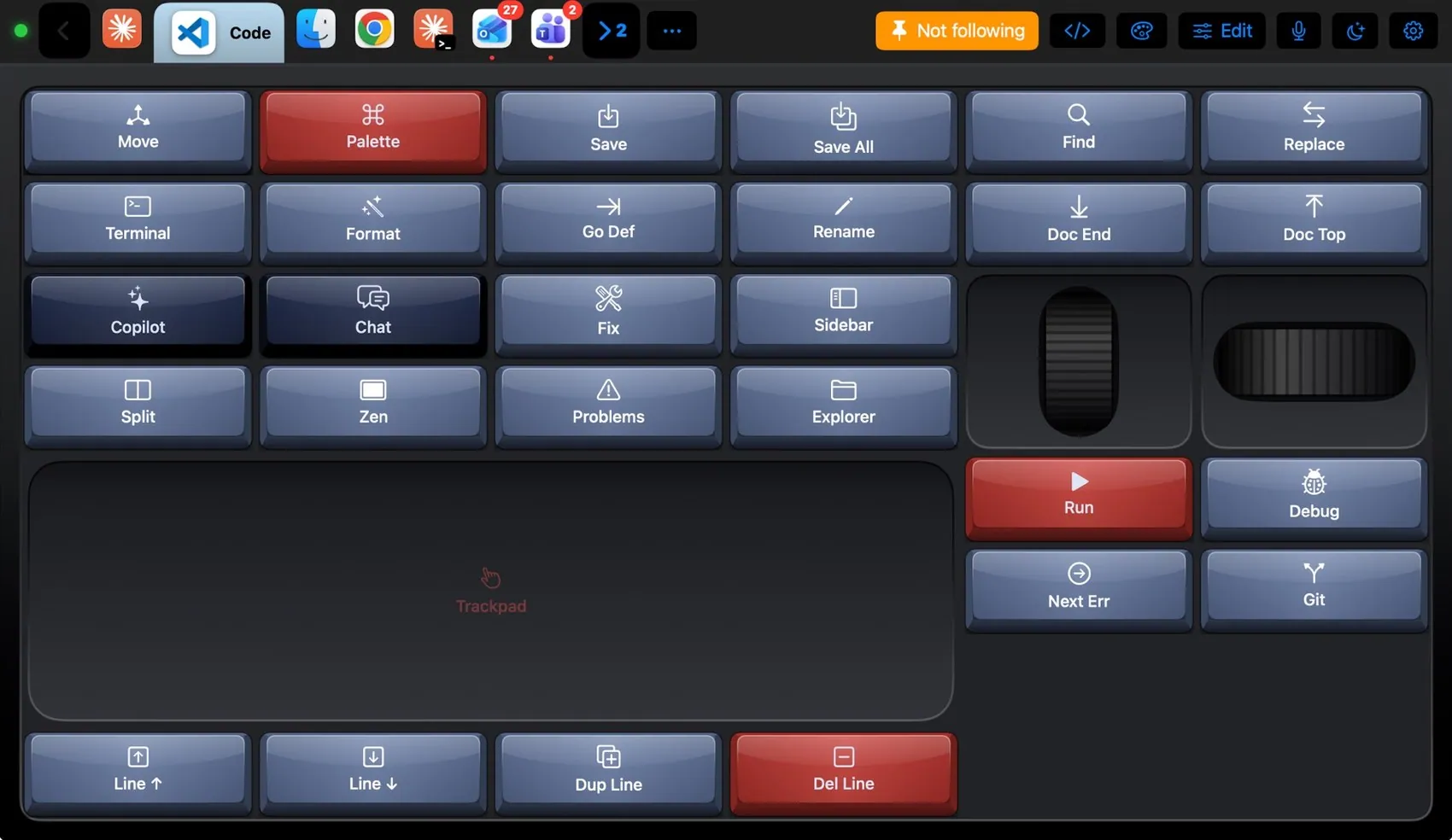

Every control, explained.
Point at a key on the pad above or on a row below: both light up. These are the keys of the built-in VS Code layout and what each one sends to the Mac.
More than keys.
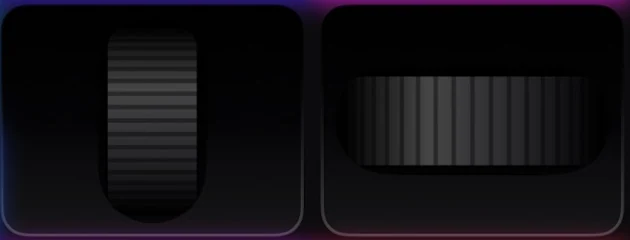
A vertical roller for long files and a horizontal one for wide lines.
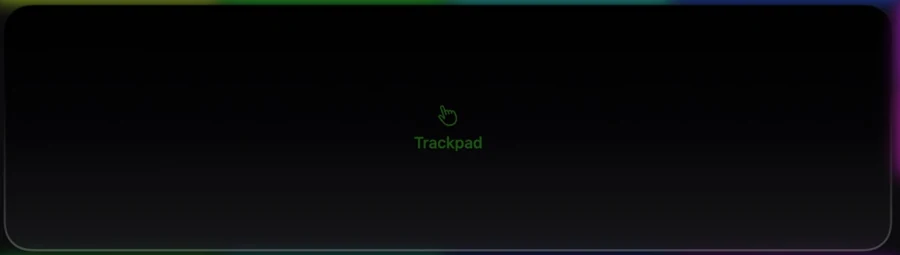
Pointer, two-finger scroll and tap to click over the 4 × 3 area.
What the Mac and the pad share.
On the Mac
- Follows VS Code, VS Code Insiders and Cursor
- Terminal, Split and Zen are menu items, so they work with your own keybindings
- Long-press a key to target VS Code while you read docs in the browser
The VS Code plugin
- VS Code layout
- Menu items: Edit ▸ Toggle Line Comment, View ▸ Terminal, View ▸ Editor Layout ▸ Split Right, View ▸ Appearance ▸ Zen Mode
- Q Navy theme suggestion
It may
- Keys and menu items in VS Code
Ideas to start from.
Build these in Settings ▸ Macros with blocks, then put them on a key, a Siri phrase or a trigger. Steps in bold are what you fill in.
Ship it
Code mode
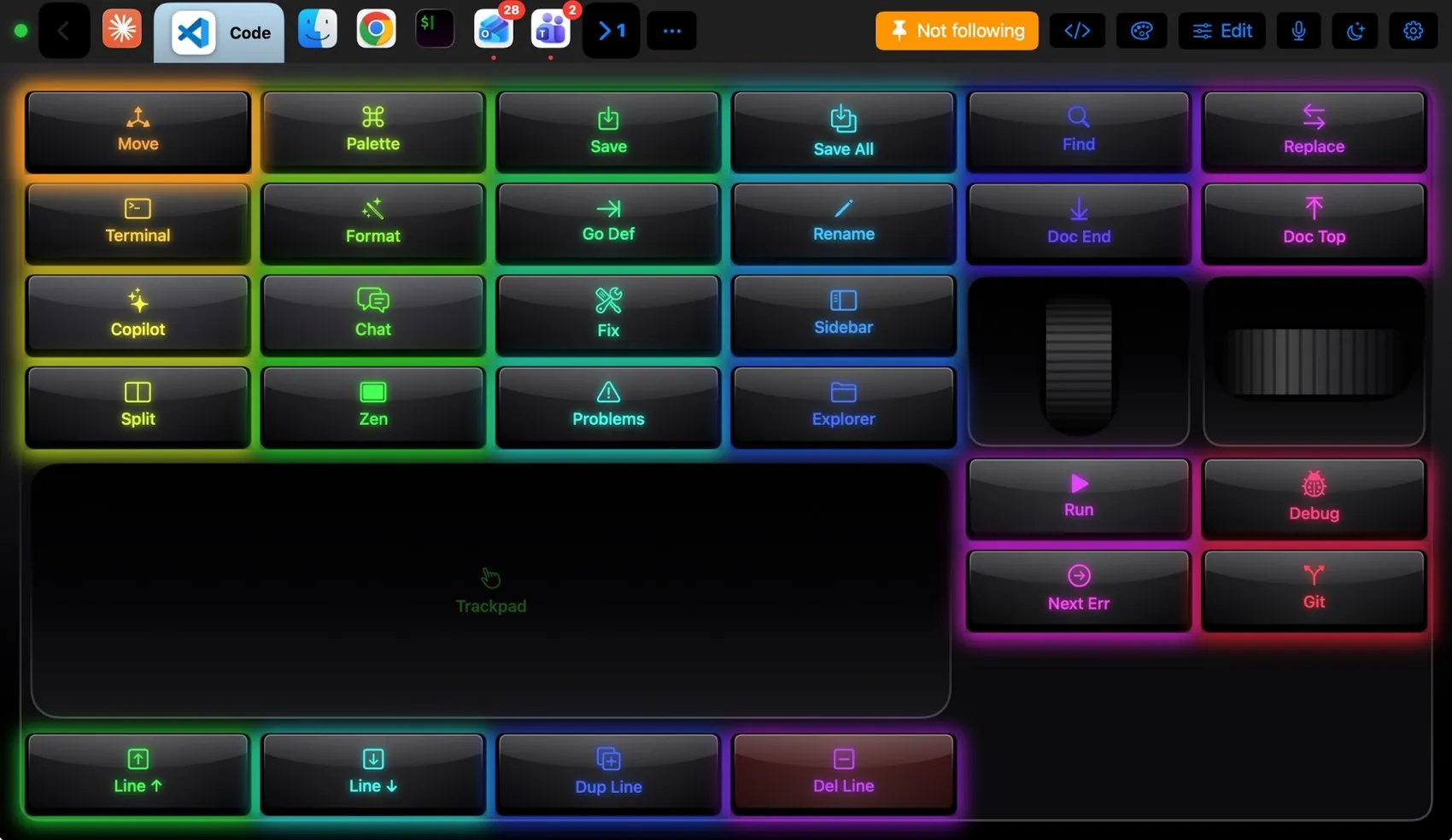
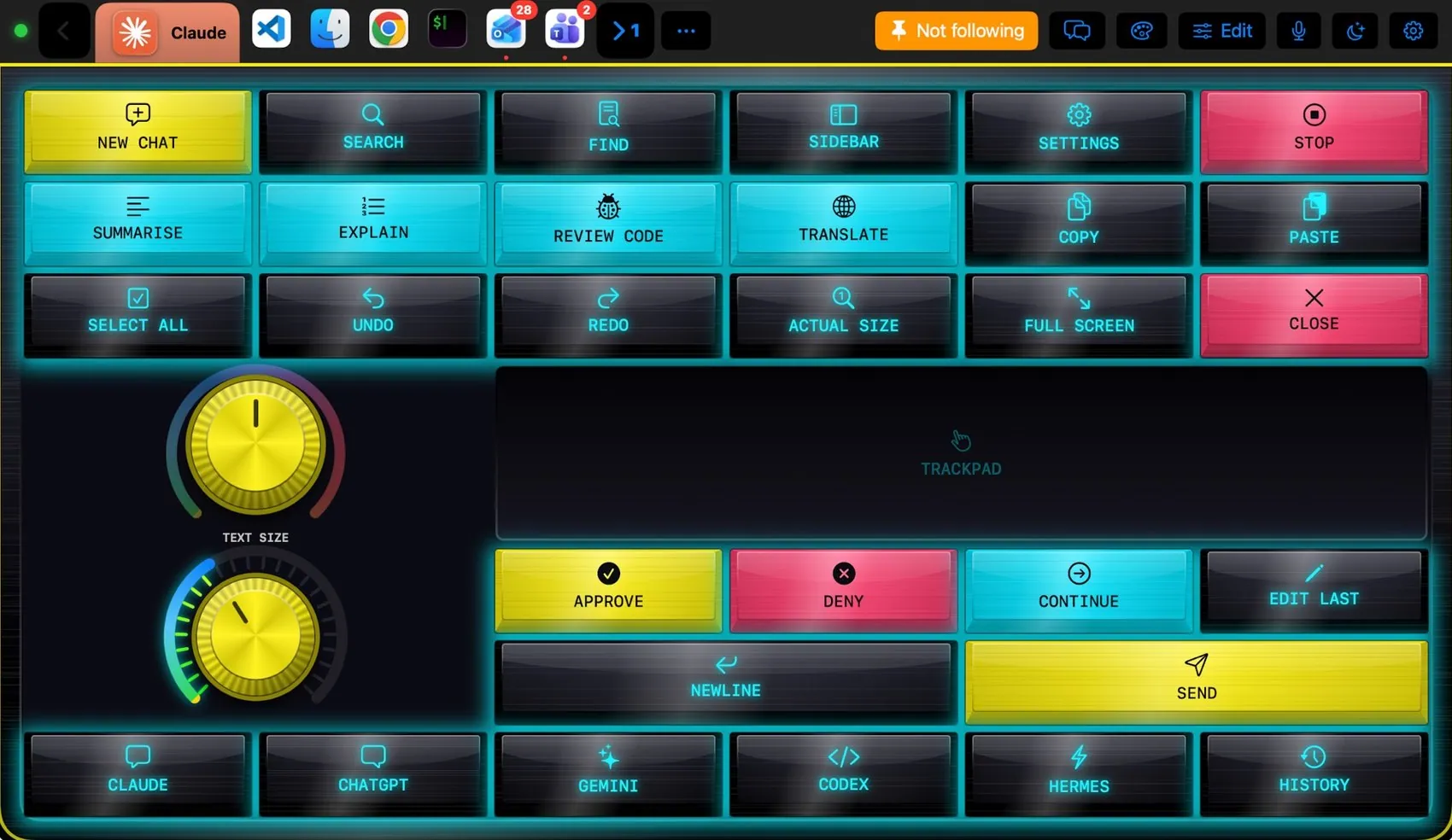
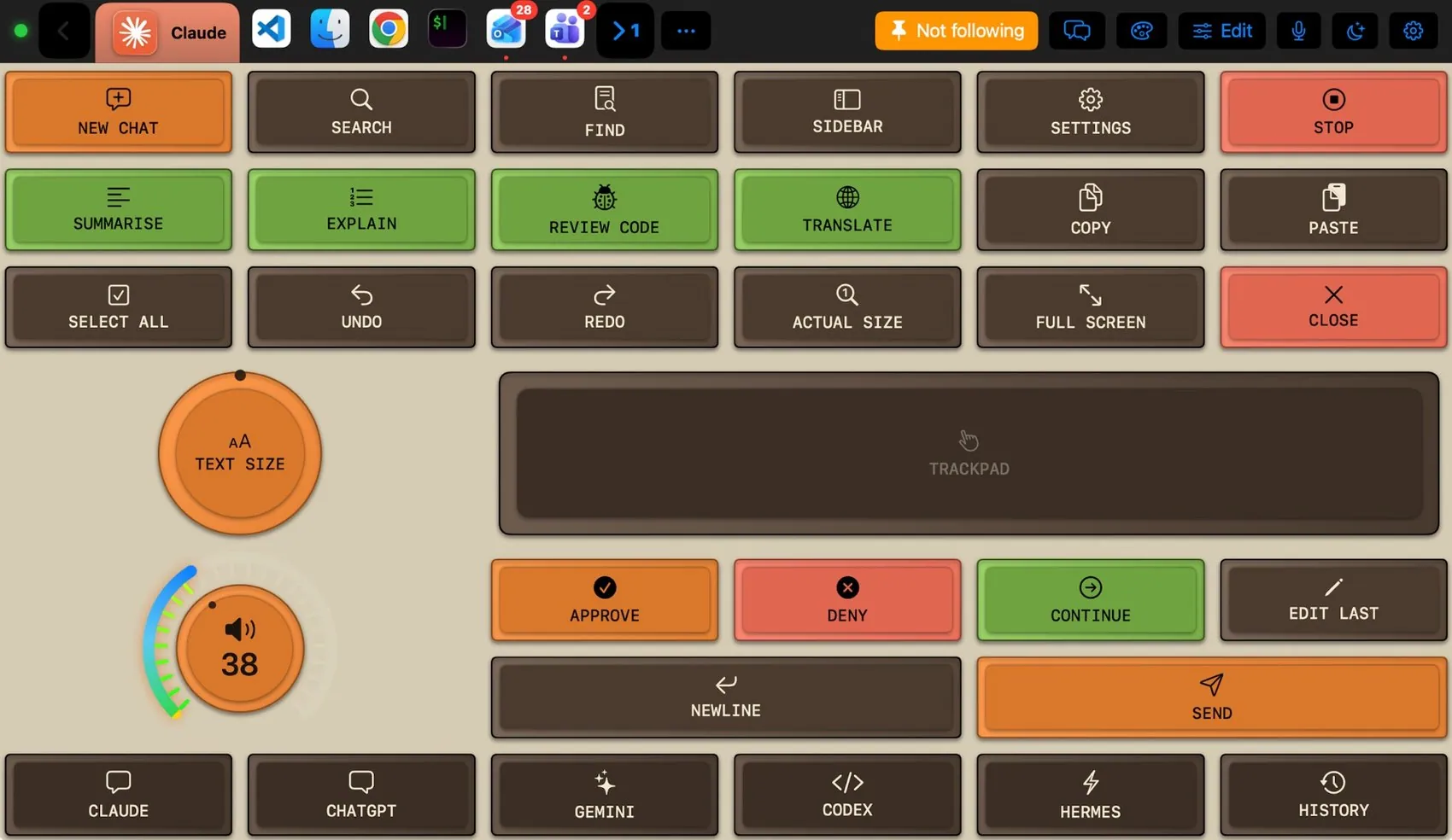
Dress it like the app.
Any of the 104 themes works on this layout. Pin one to this app and only VS Code wears it.
 Final Cut Pro
 Photoshop
 OBS Studio
 Teams
Teams Claude
 Logic Pro
 Excel
Excel Blender
 Spotify