
Adobe Photoshop
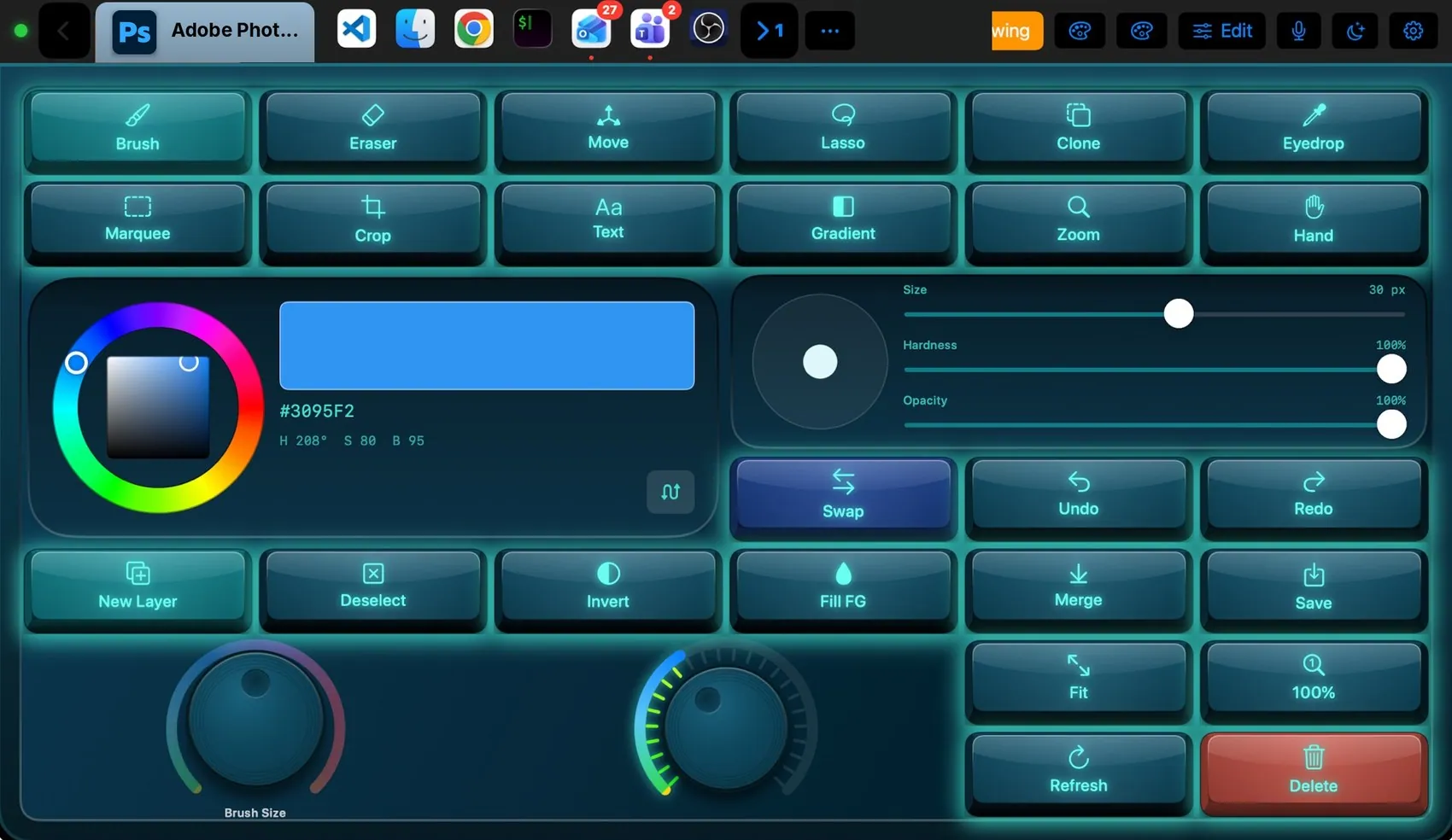
Tool keys select Photoshop’s tools by name, not by a shortcut that can change. The colour wheel and brush panel talk to Photoshop directly: drag the hue ring and the foreground colour changes; move Size, Hardness or Opacity and the current brush follows. The pad reads Photoshop’s state back, so the colour you see is the colour in the app.
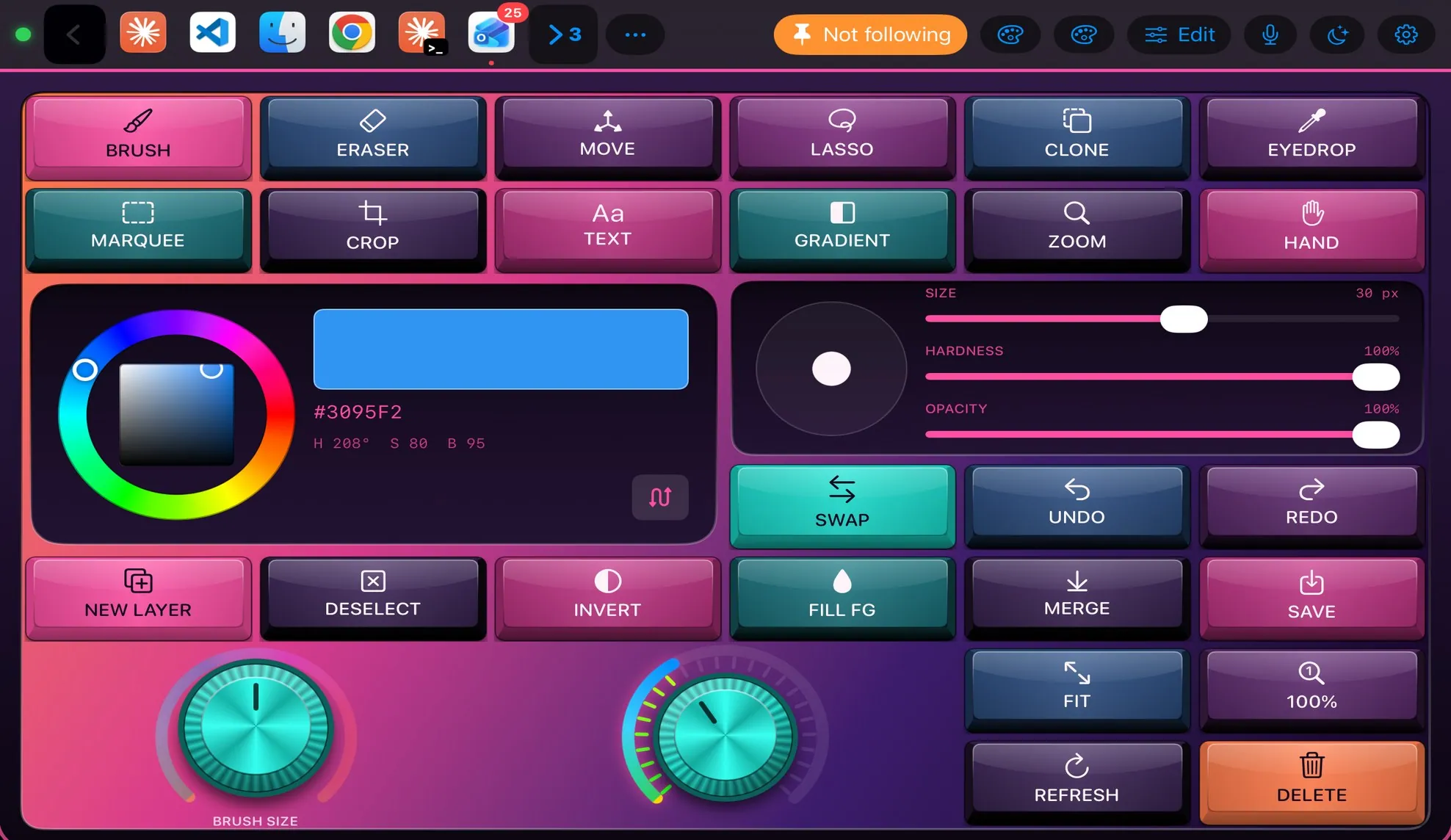

Every control, explained.
Point at a key on the pad above or on a row below: both light up. These are the keys of the built-in Photoshop layout and what each one sends to the Mac.
More than keys.
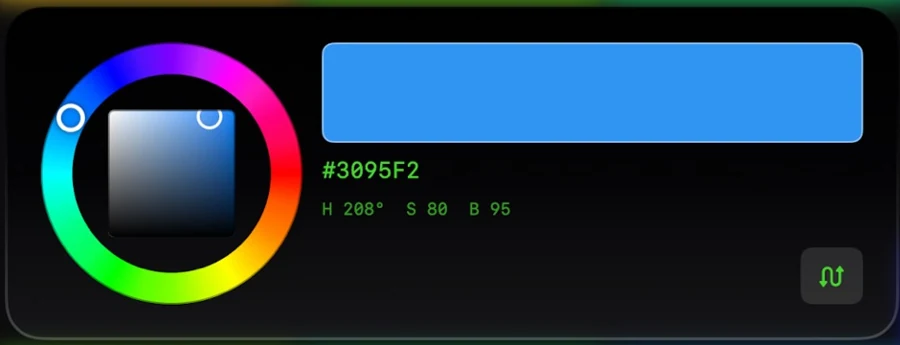
A hue ring around a saturation and brightness square. #3095F2 on the pad is #3095F2 in Photoshop.
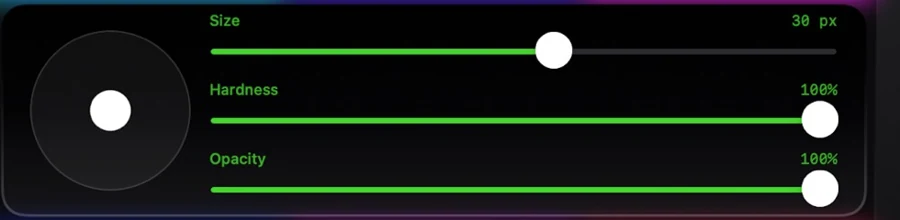
Size, Hardness and Opacity for the current tool, with a tip preview.
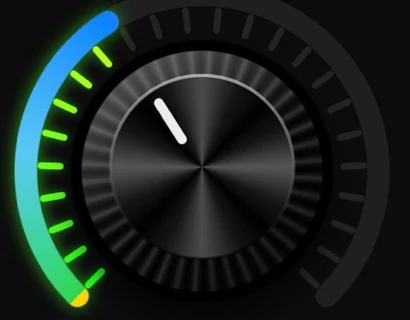
Brush Size turns with ] and [. The volume knob is the Mac’s own output volume.
What the Mac and the pad share.
On the Mac
- Reads Photoshop’s foreground colour, brush size and current tool
- Tool keys pick tools by their internal names (paintbrushTool, lassoTool…)
- When Photoshop is not running the key says so instead of guessing
The Photoshop plugin
- Photoshop Pro Tools layout (26 keys, colour wheel, brush panel, two knobs)
- Photoshop commands: select tool, set colour, set brush, swap colours, refresh
- Deep Sea and Hologram theme suggestions
It may
- Keys in Photoshop
- Photoshop commands, sent by the Mac
Ideas to start from.
Build these in Settings ▸ Macros with blocks, then put them on a key, a Siri phrase or a trigger. Steps in bold are what you fill in.
Clean export
Brush reset
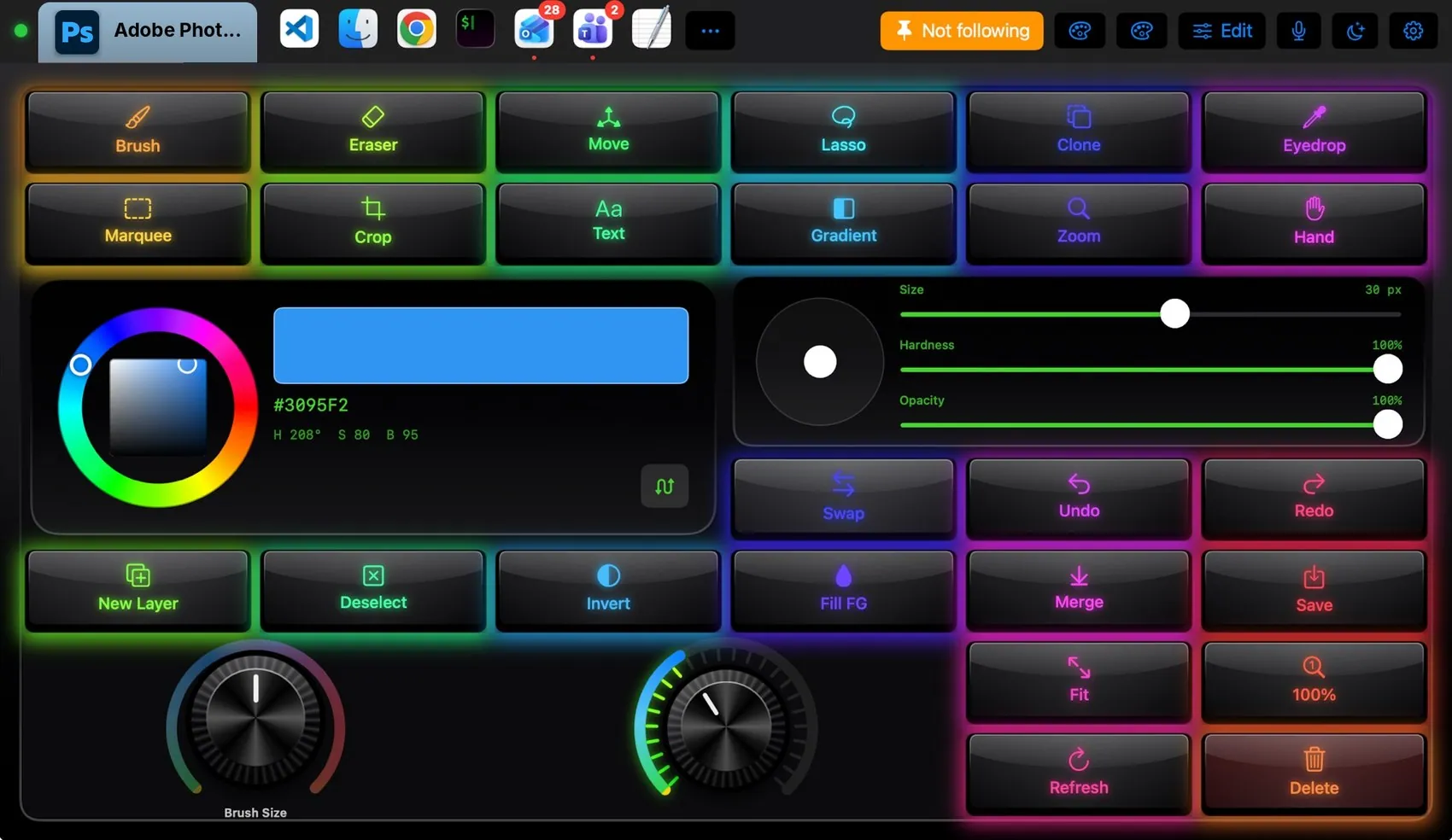
Dress it like the app.
Any of the 104 themes works on this layout. Pin one to this app and only Photoshop wears it.
 Final Cut Pro
 OBS Studio
 Teams
Teams Claude
 VS Code
 Logic Pro
 Excel
Excel Blender
 Spotify