Final Cut Pro
The Final Cut Pro layout puts the editor’s own shortcuts under your fingers: the tools, the edit types, marks and markers, trims and retimes, two knobs for jog and shuttle, J K L transport and the windows you open all day. Every key was checked against Final Cut Pro’s menus.
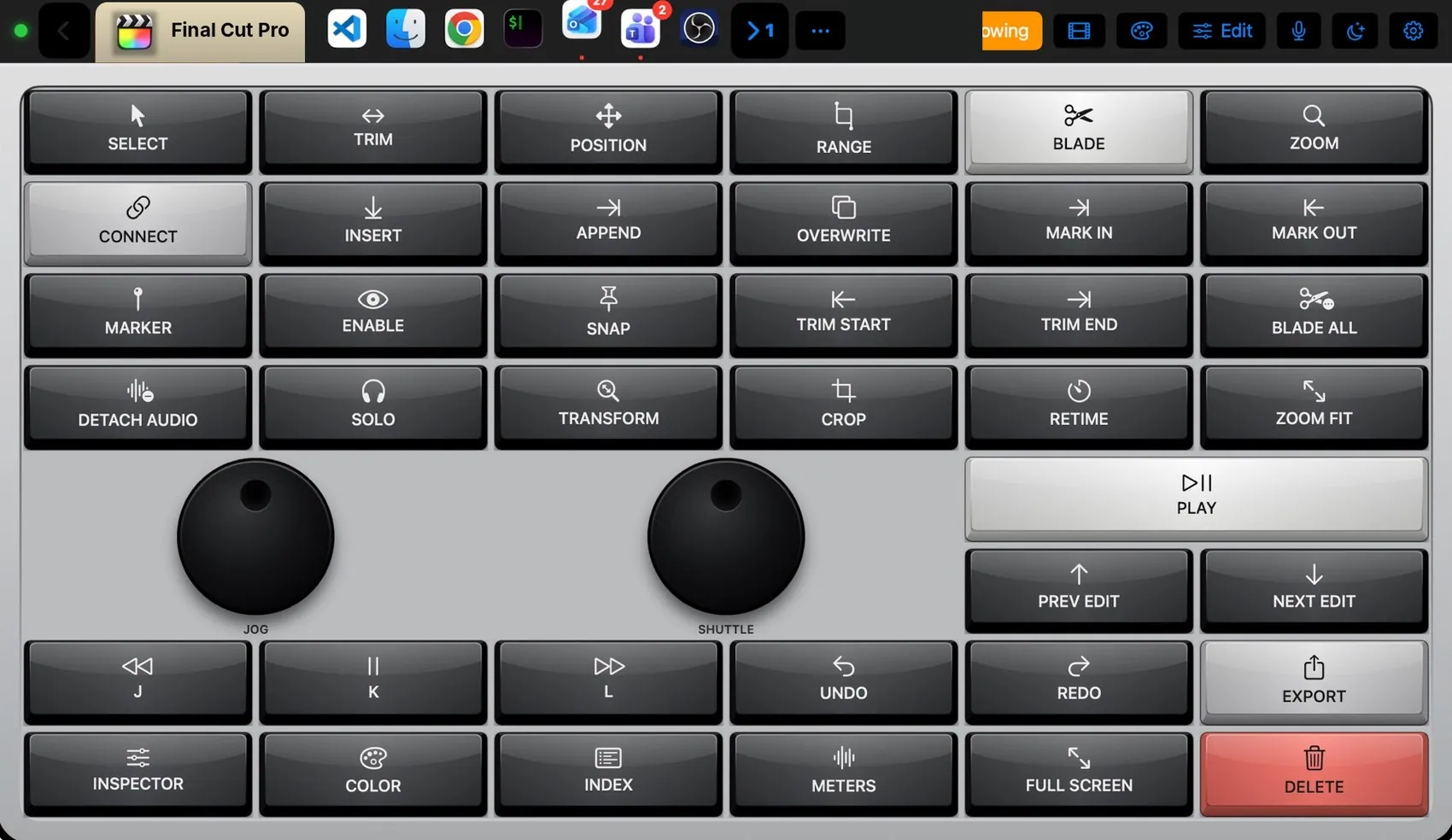

Every control, explained.
Point at a key on the pad above or on a row below: both light up. These are the keys of the built-in Final Cut Pro layout and what each one sends to the Mac.
More than keys.
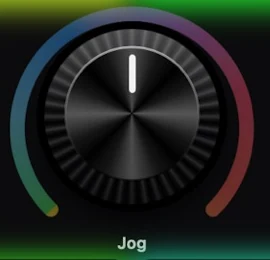
Jog steps one frame per detent (← →). Shuttle moves ten frames (⇧← ⇧→). Both rotate past 270° with haptic detents.

Keys press down and spring back; the theme decides the cap, the legend font and the click.
What the Mac and the pad share.
On the Mac
- Follows Final Cut Pro automatically: bring it to the front and this layout appears
- Keys are posted to Final Cut Pro even on a Turkish or German keyboard layout
- A command without a shortcut can be any menu item, pressed by its name
The Final Cut Pro plugin
- The Final Cut Pro layout
- Shortcuts checked against Final Cut Pro’s own menus
- Speed Editor theme suggestion
- Ready-made components for the editor’s library
It may
- Keys and menu items in Final Cut Pro only
Ideas to start from.
Build these in Settings ▸ Macros with blocks, then put them on a key, a Siri phrase or a trigger. Steps in bold are what you fill in.
Rough cut pass
Export for review
Dress it like the app.
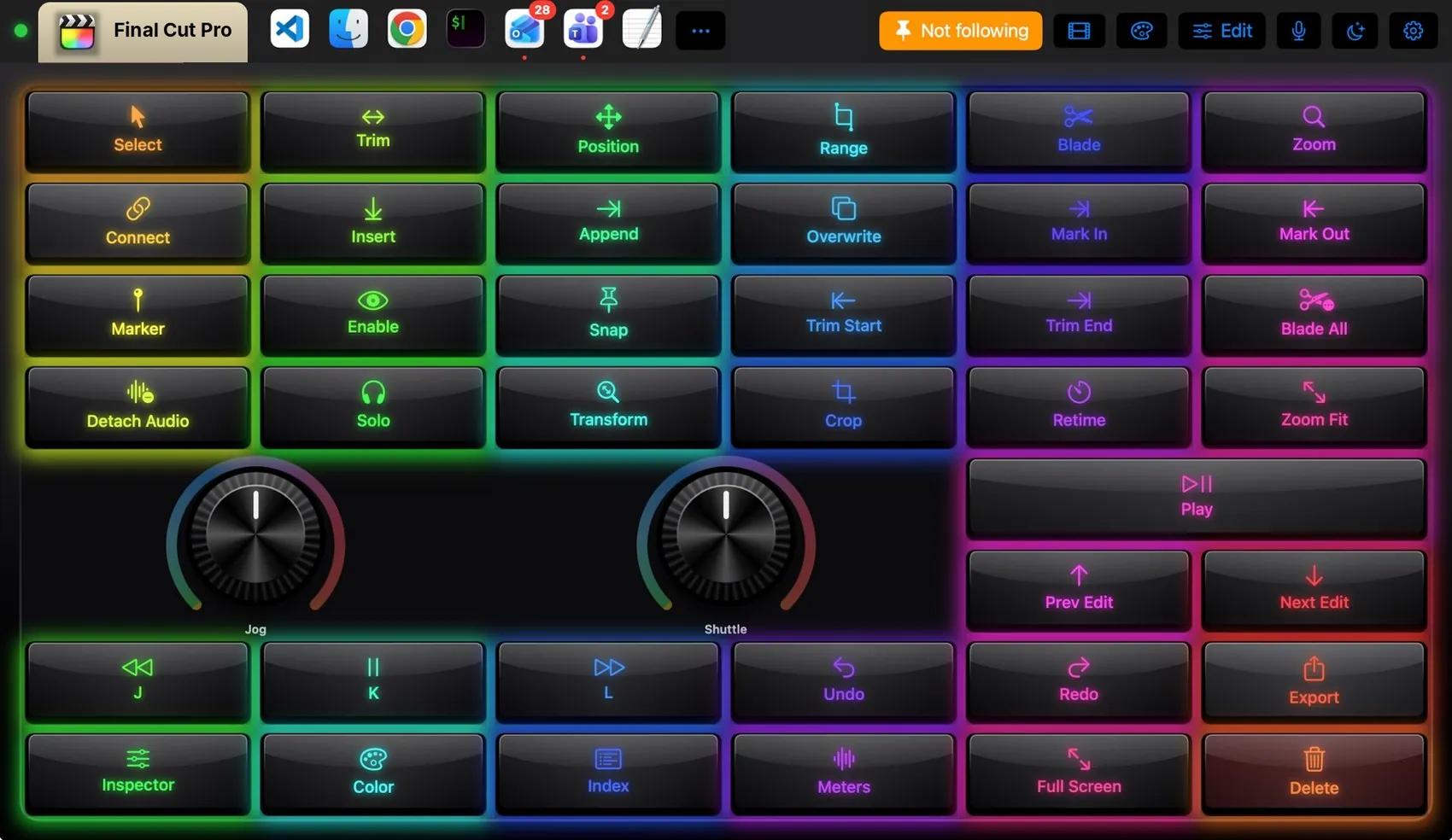
Any of the 104 themes works on this layout. Pin one to this app and only Final Cut Pro wears it.
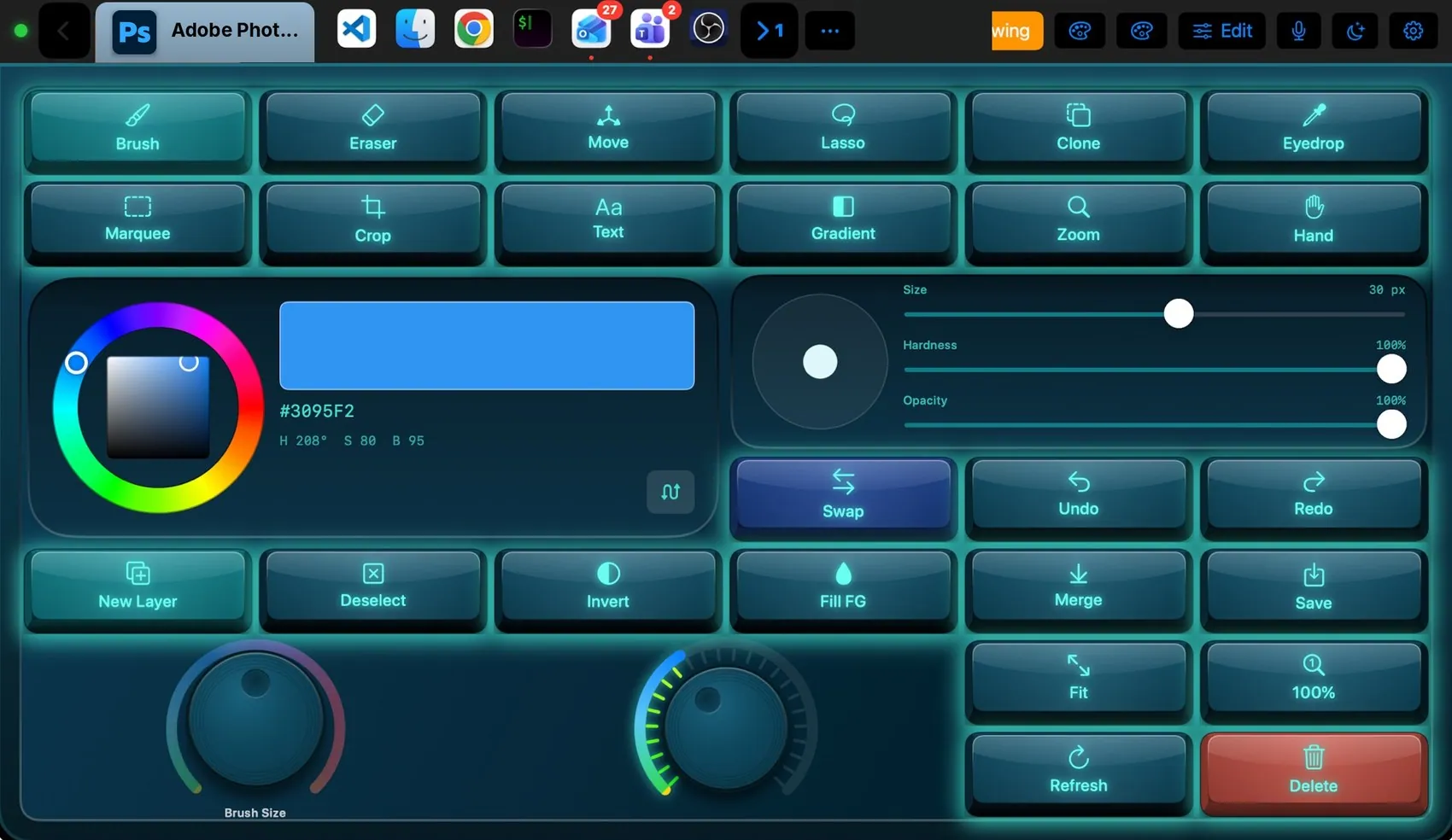
 Photoshop
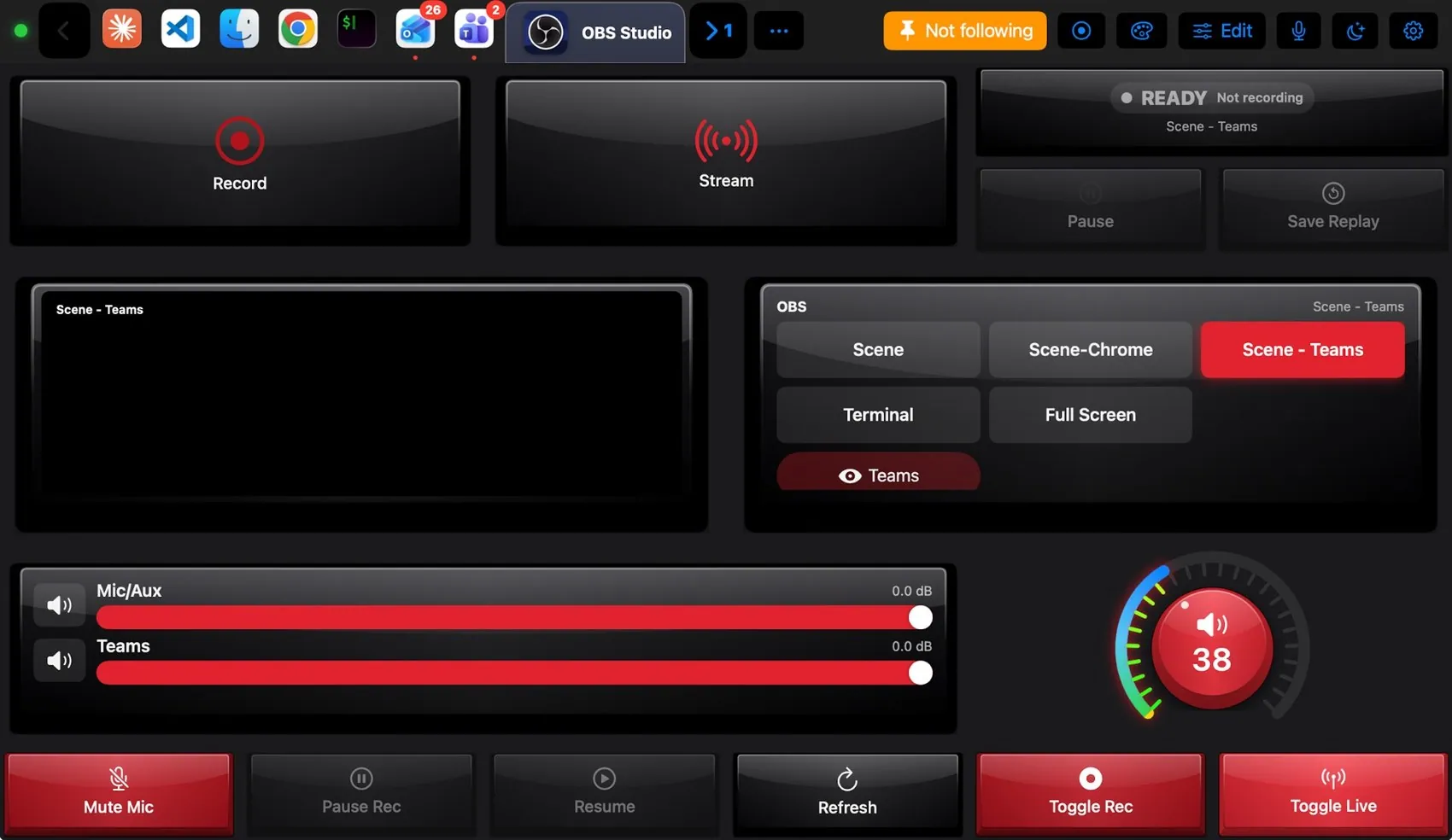
 OBS Studio
 Teams
Teams Claude
 VS Code
 Logic Pro
 Excel
Excel Blender
 Spotify