
Claude & Claude Code
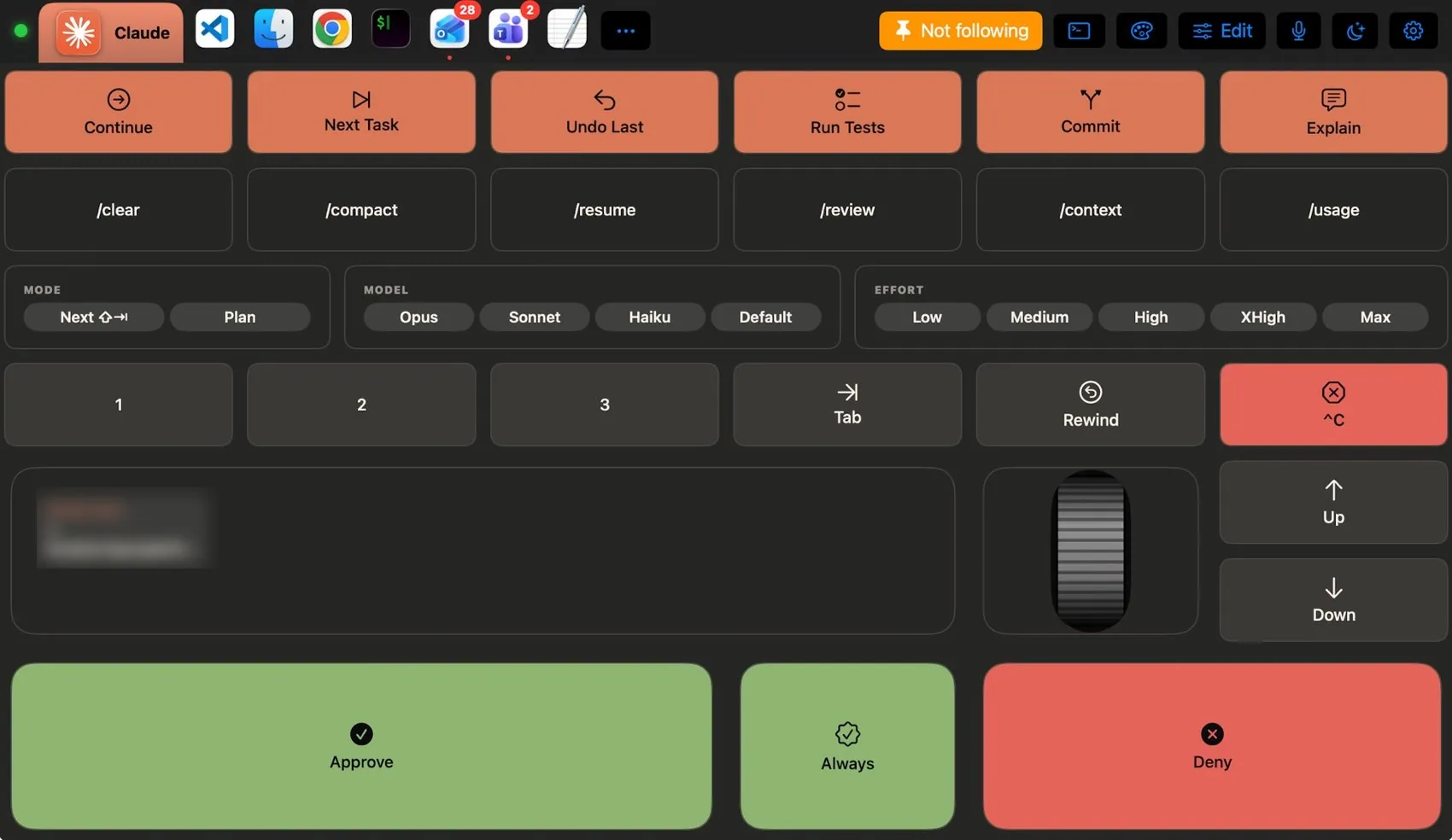
Two layouts. AI Assistants drives Claude, ChatGPT, Gemini and Codex: new chat, search, ready prompts (Summarise, Explain, Review Code, Translate), Approve, Deny and Continue for agents, Newline and Send, and one tap to switch assistants. Claude Code appears by itself when Claude Code runs in your terminal’s front tab: the Mac sees it in iTerm2, Terminal, Warp, Ghostty and others, and the pad shows its keys and its own terracotta theme instead of the terminal’s.
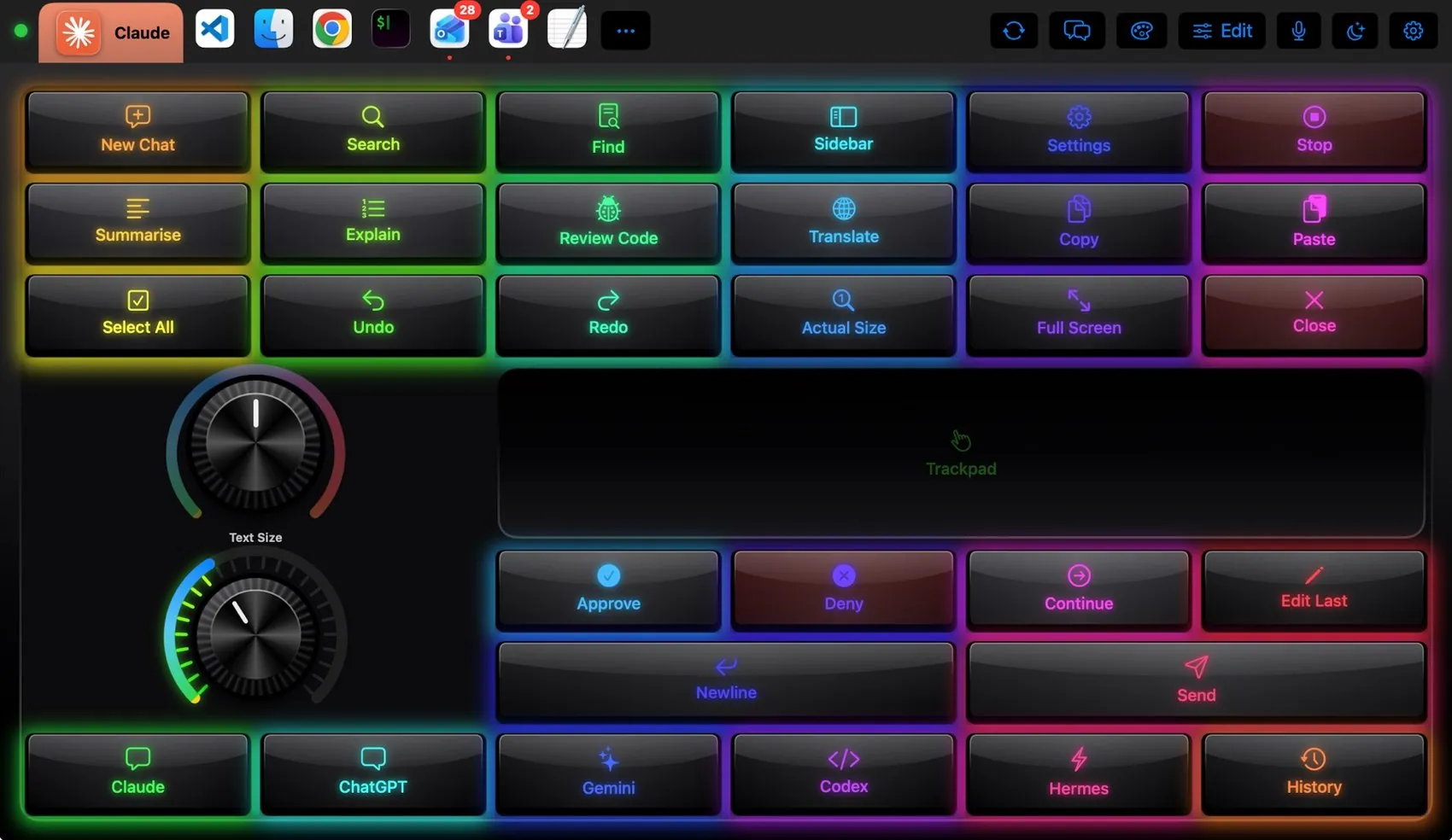

Every control, explained.
Point at a key on the pad above or on a row below: both light up. These are the keys of the built-in Claude layout and what each one sends to the Mac.
More than keys.

Next mode or Plan; Opus, Sonnet, Haiku or Default; effort from Low to Max — one tap each.

Scroll a long answer, move the pointer, tap to click.
What the Mac and the pad share.
On the Mac
- Claude Code is recognised inside the terminal tab, so the pad changes when you start it
- The Claude Code panel on the pad shows the session that is running
- Keys like Approve and Deny land in the front terminal window
The Claude plugin
- AI Assistants layout and Claude Code layout
- Claude Code, Codex CLI, Gemini CLI and Copilot CLI themes in their makers’ colours
- AI Studio plugin example: one key sends the clipboard to a model you set up
It may
- Keys in the AI apps and terminals
- Network, only for integrations you add and allow
Ideas to start from.
Build these in Settings ▸ Macros with blocks, then put them on a key, a Siri phrase or a trigger. Steps in bold are what you fill in.
Ask Claude about the selection
Keep going
Dress it like the app.
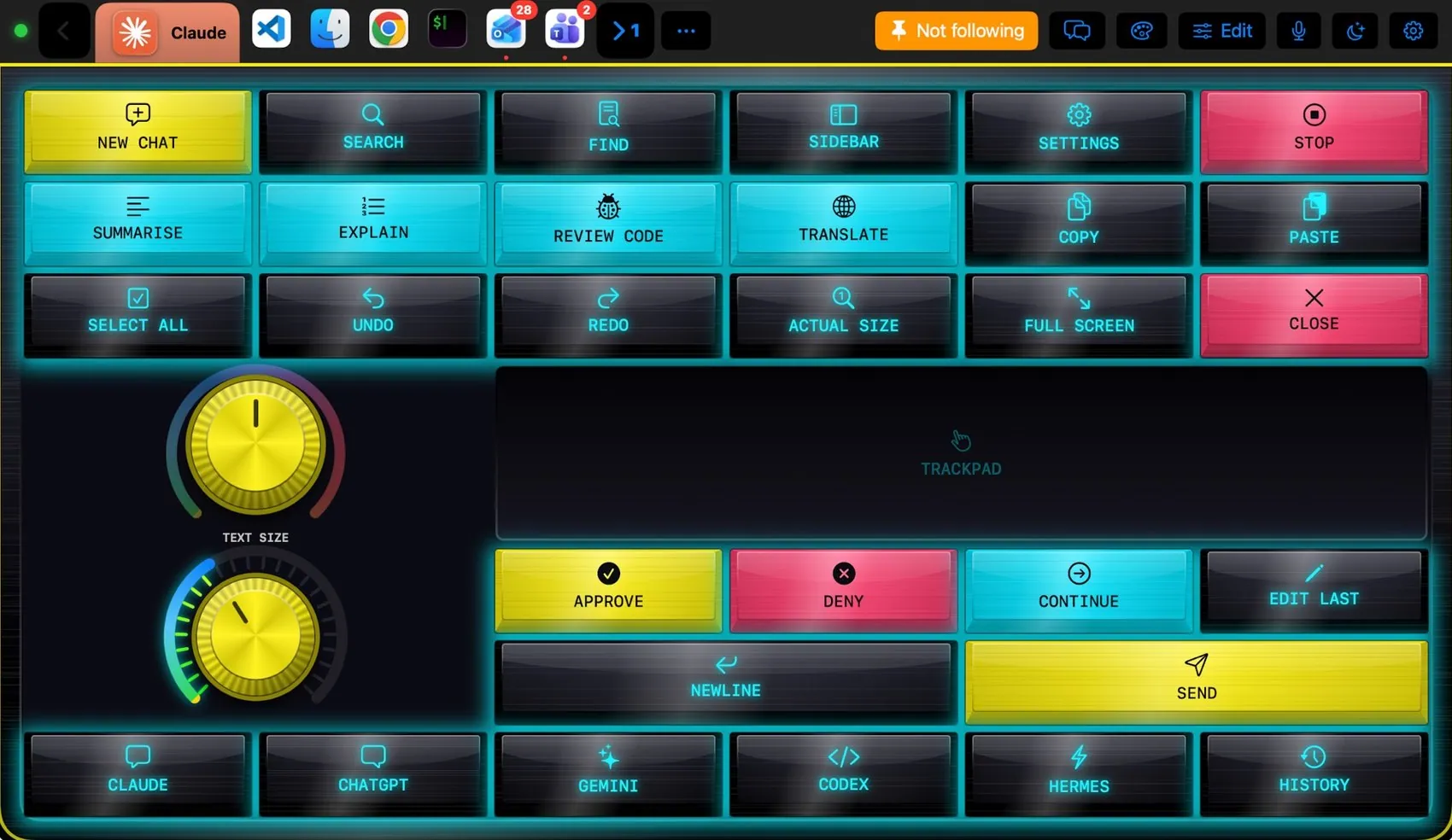
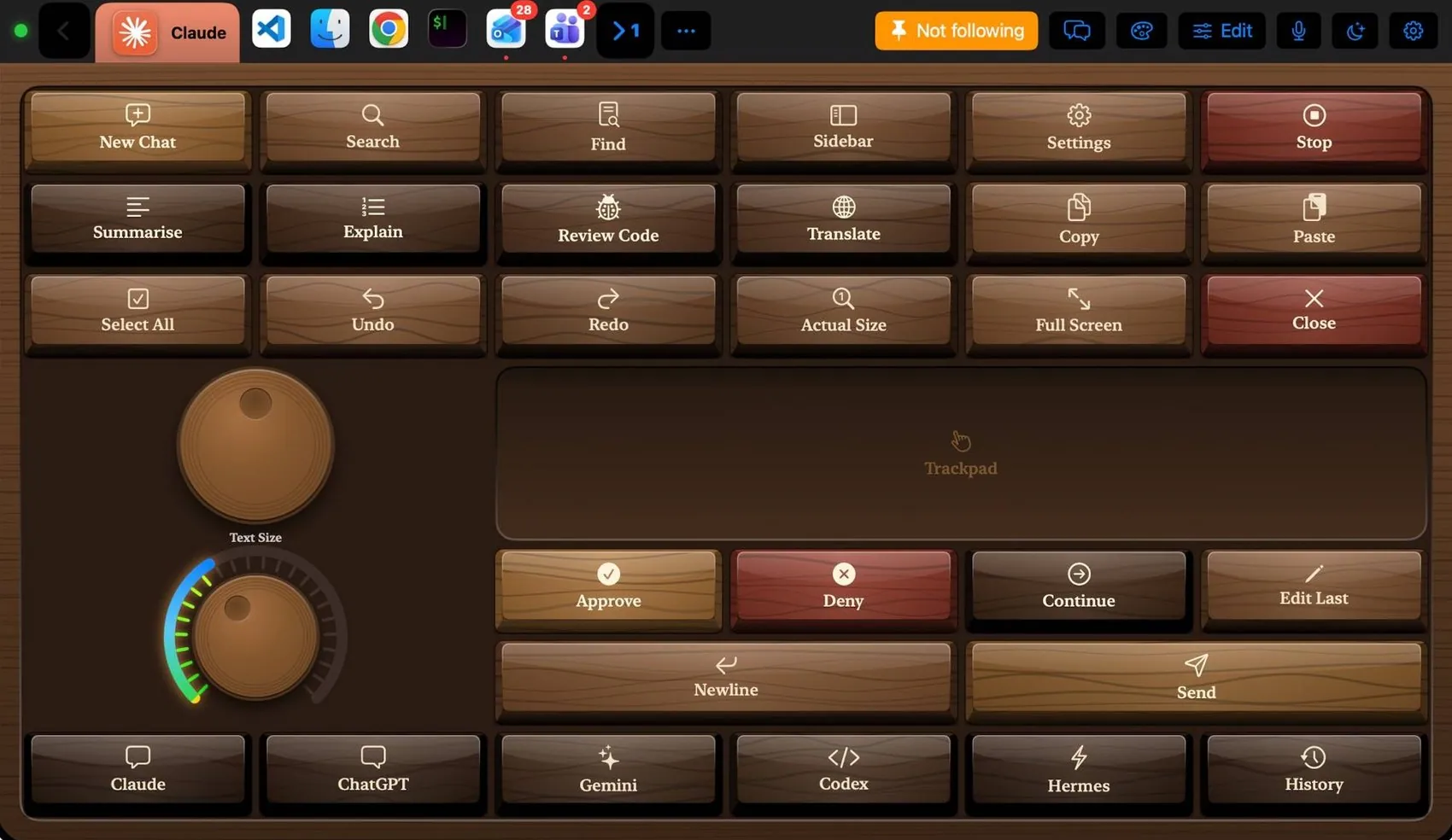
Any of the 104 themes works on this layout. Pin one to this app and only Claude wears it.
 Final Cut Pro
 Photoshop
 OBS Studio
 Teams
Teams VS Code
 Logic Pro
 Excel
Excel Blender
 Spotify