iMacroPad, in brief.
Everything you need to write about iMacroPad: a description, the facts, the icon and screenshots of the real app. Free to use in coverage of iMacroPad.
About iMacroPad
In one sentence: iMacroPad turns an iPad or iPhone into an app-aware control deck for the Mac.
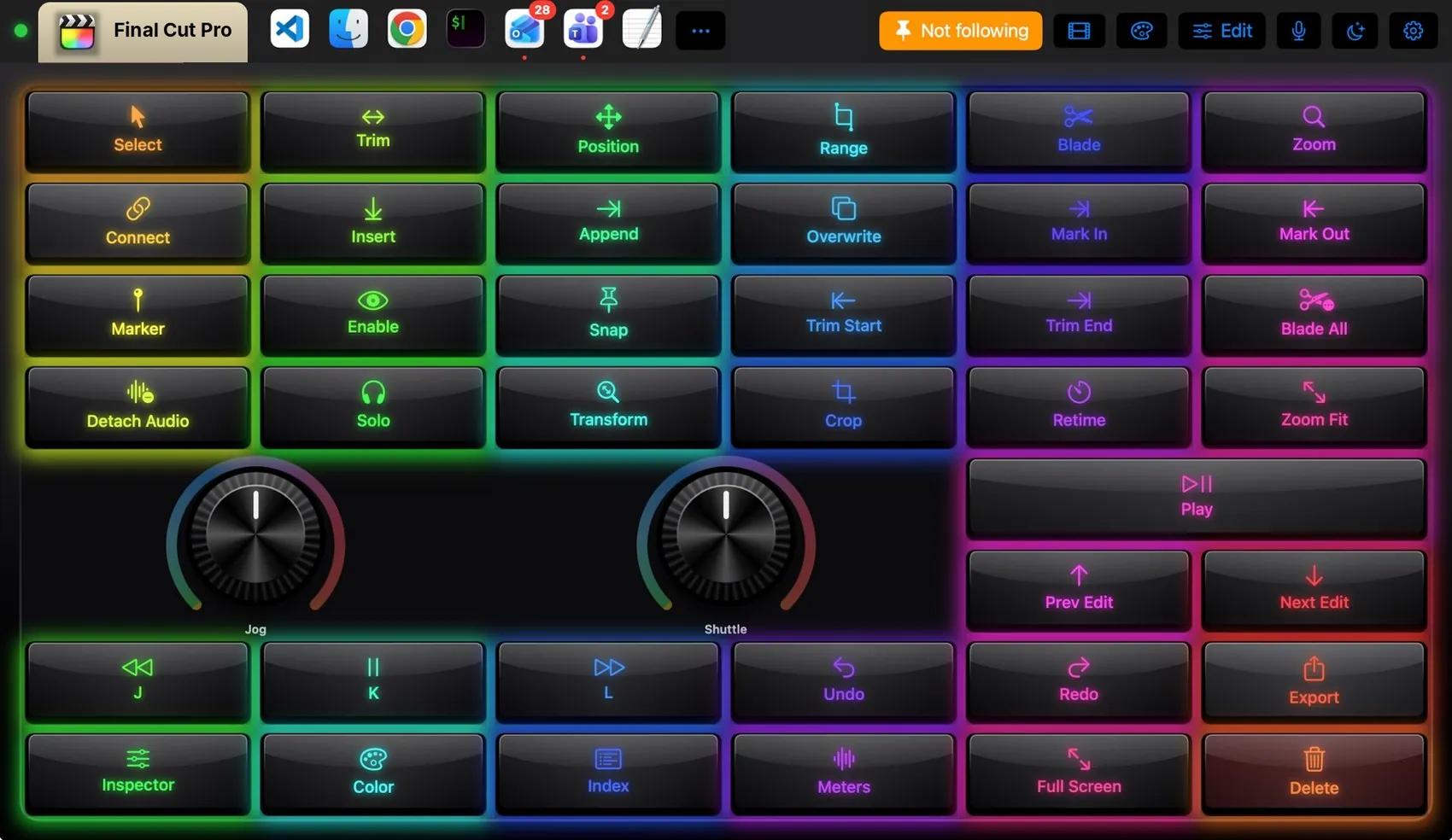
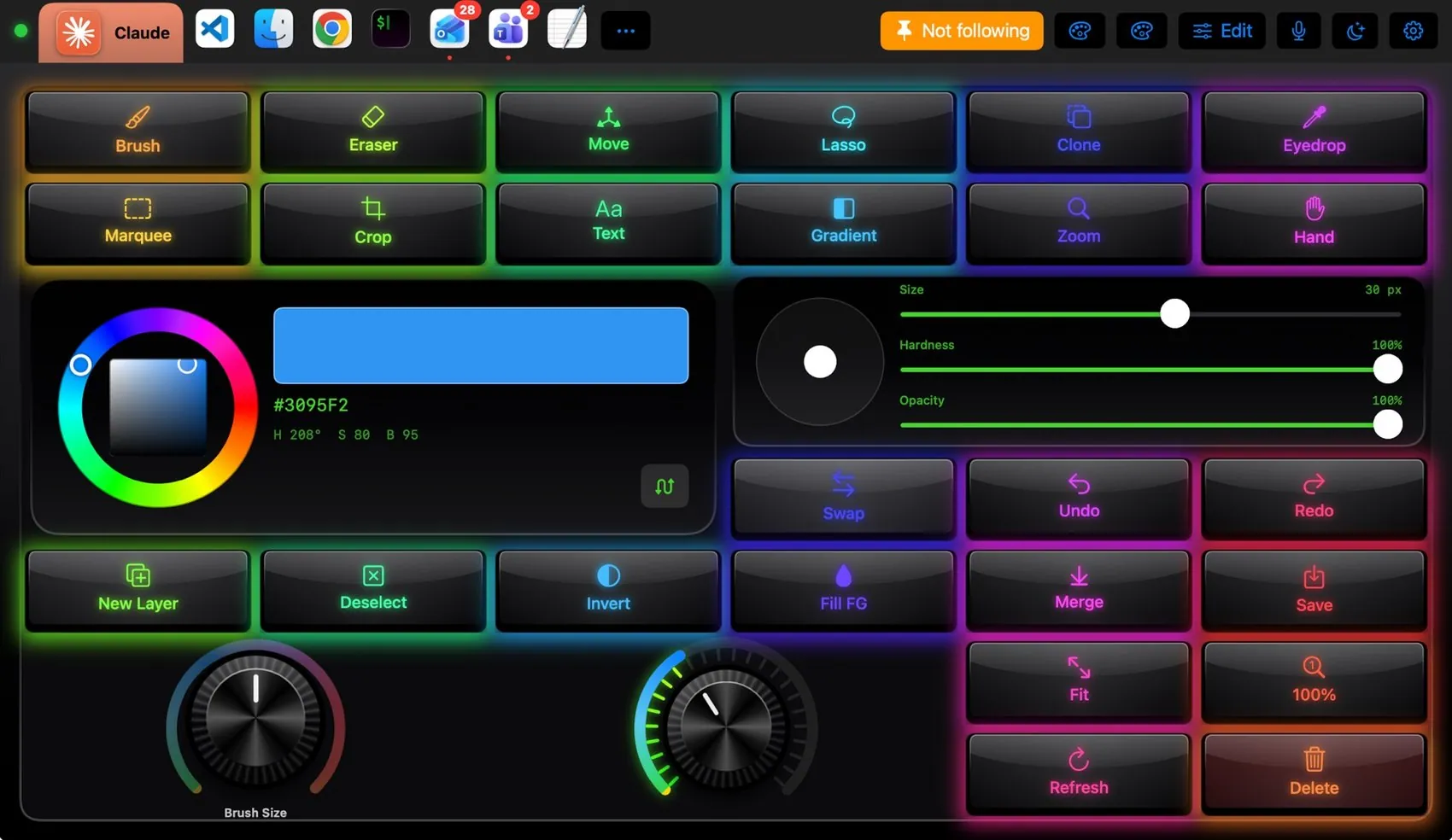
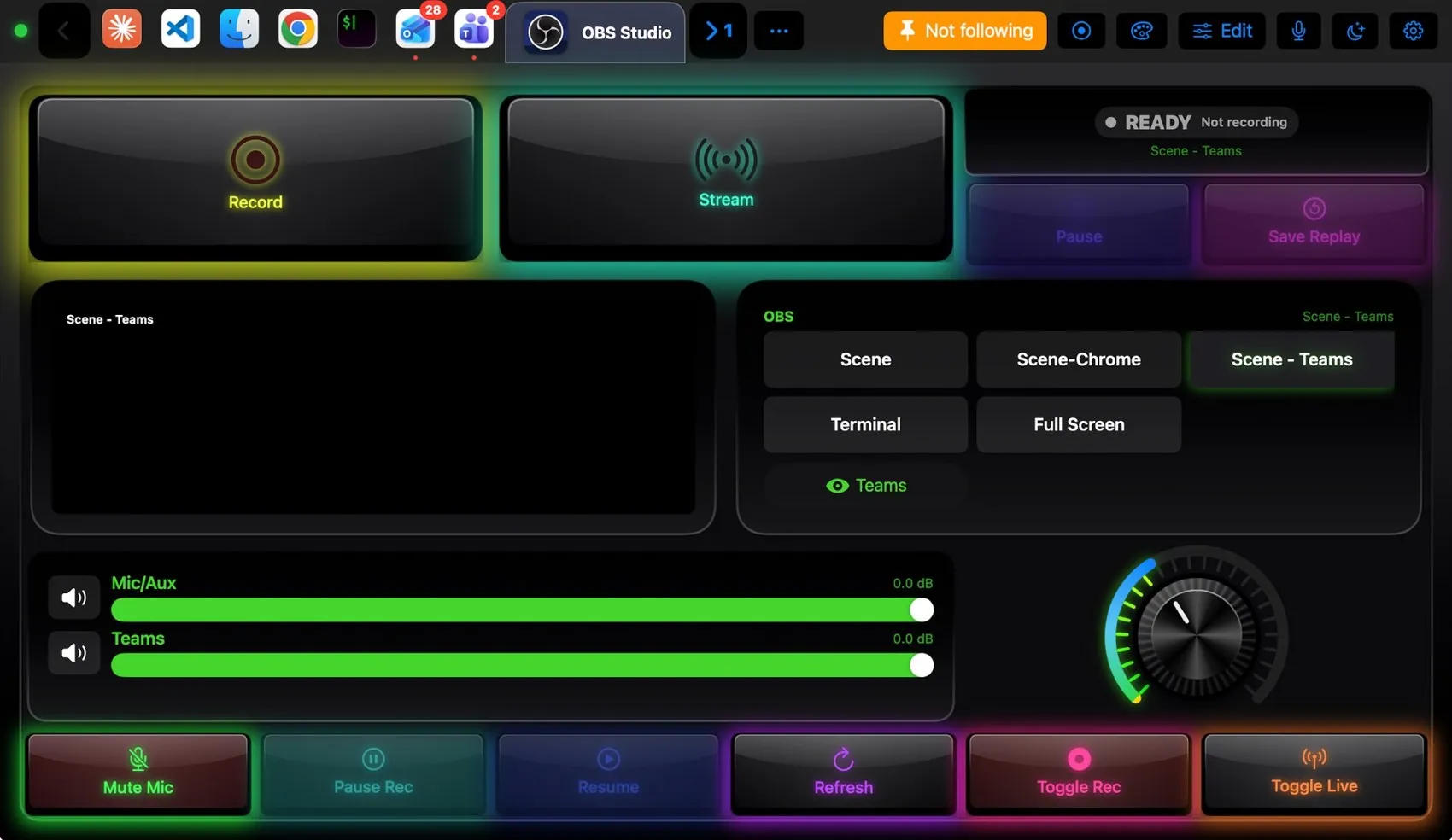
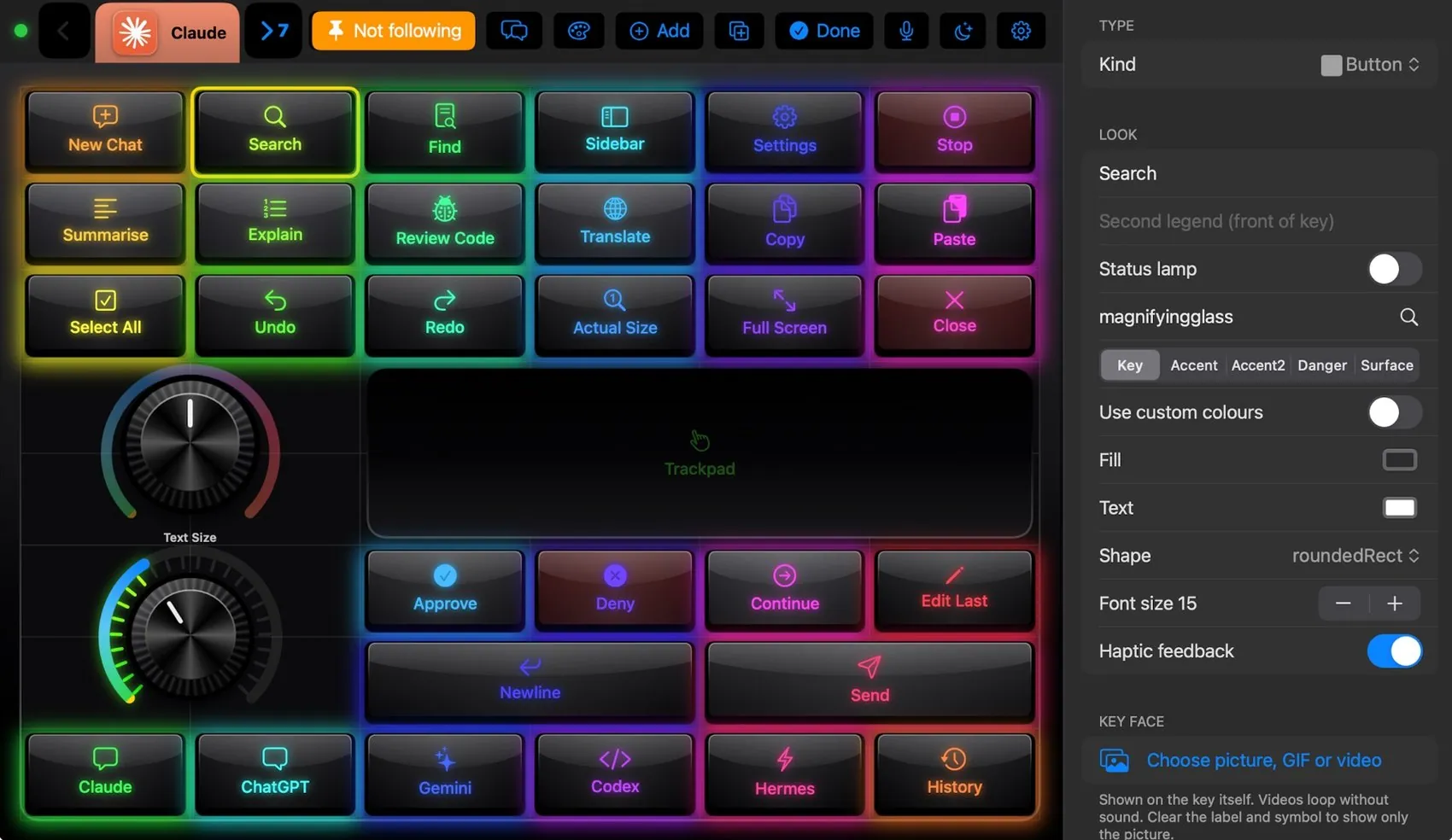
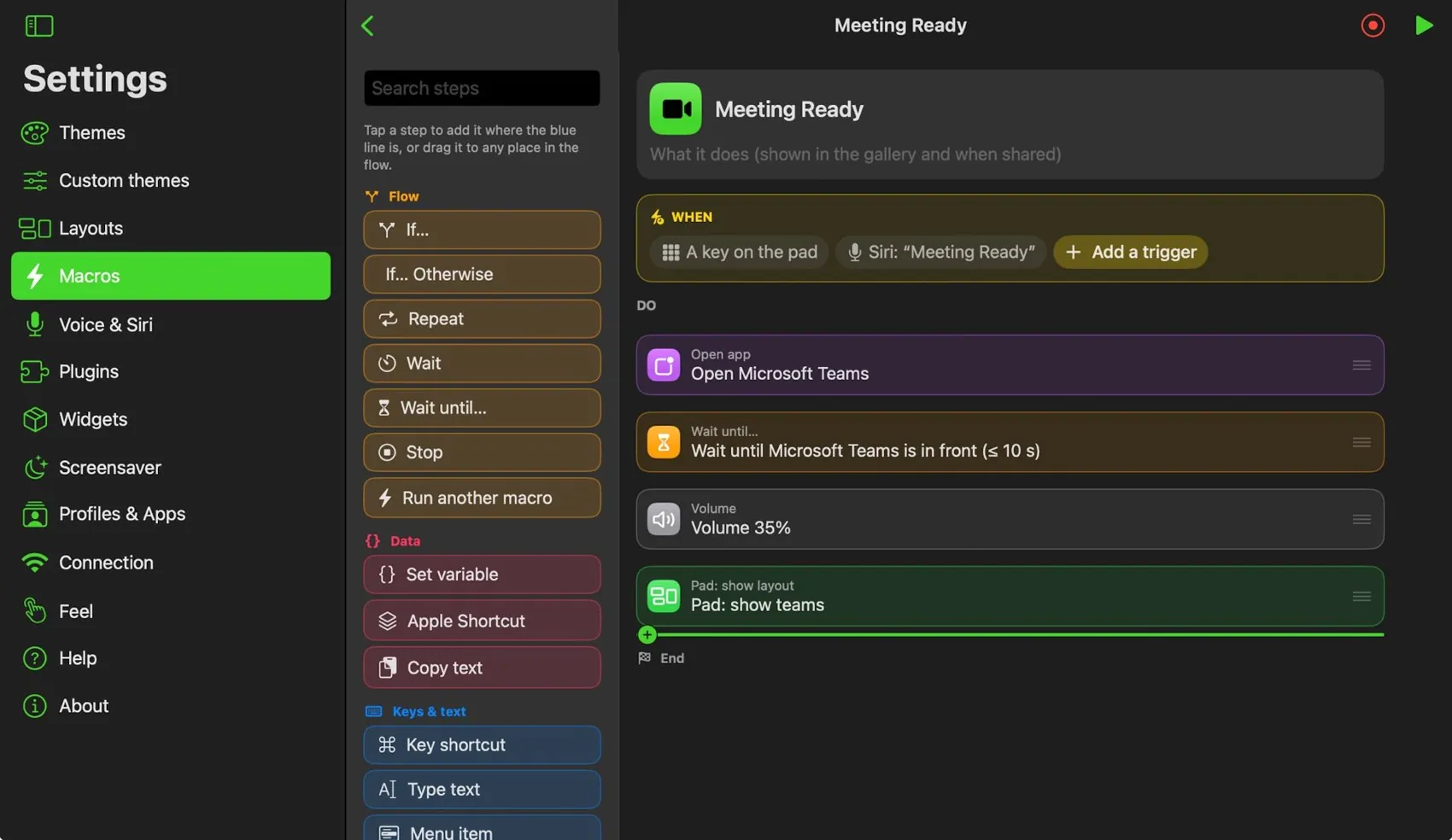
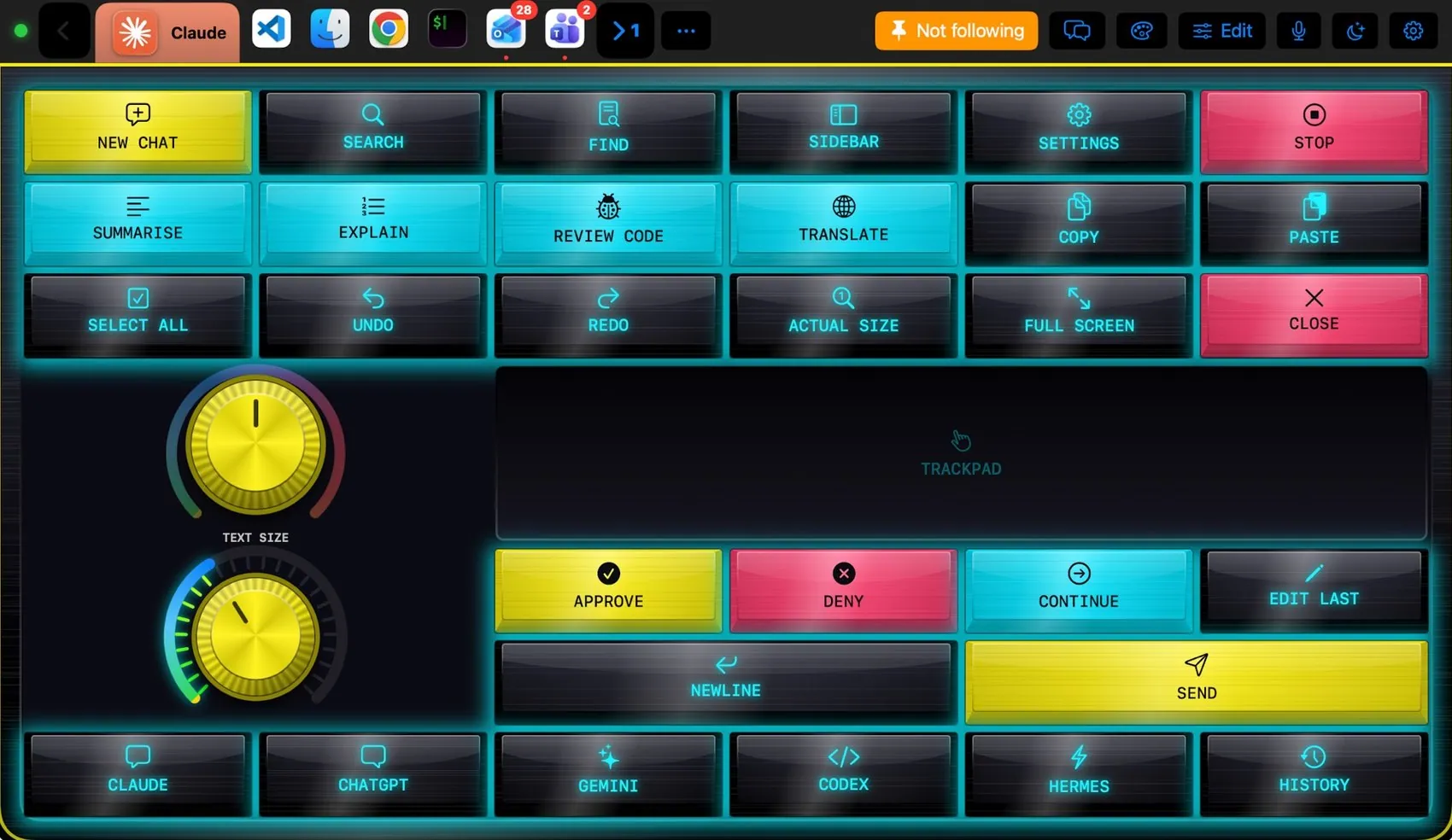
iMacroPad puts keys, knobs, sliders and pads on an iPad or iPhone and performs them on the Mac. Bring an app to the front and its own layout appears: Final Cut Pro, Logic Pro, Photoshop, OBS, Teams, VS Code, Excel, Blender, Claude Code and many more. A small companion app on the Mac presses the shortcuts, picks menu items, scrolls and talks to apps such as OBS and Photoshop. Everything is editable, from layouts and themes to macros, voice commands, widgets and plugins, and it all works between your own devices on your own network, with no account.
Key facts
- Works with a Mac (macOS 13 or later) and an iPad (iPadOS 16 or later) or iPhone (iOS 16 or later).
- Two apps: iMacroPad on the iPad or iPhone, iMacroPad for Mac in the menu bar.
- Follows the app in front and switches layout by itself.
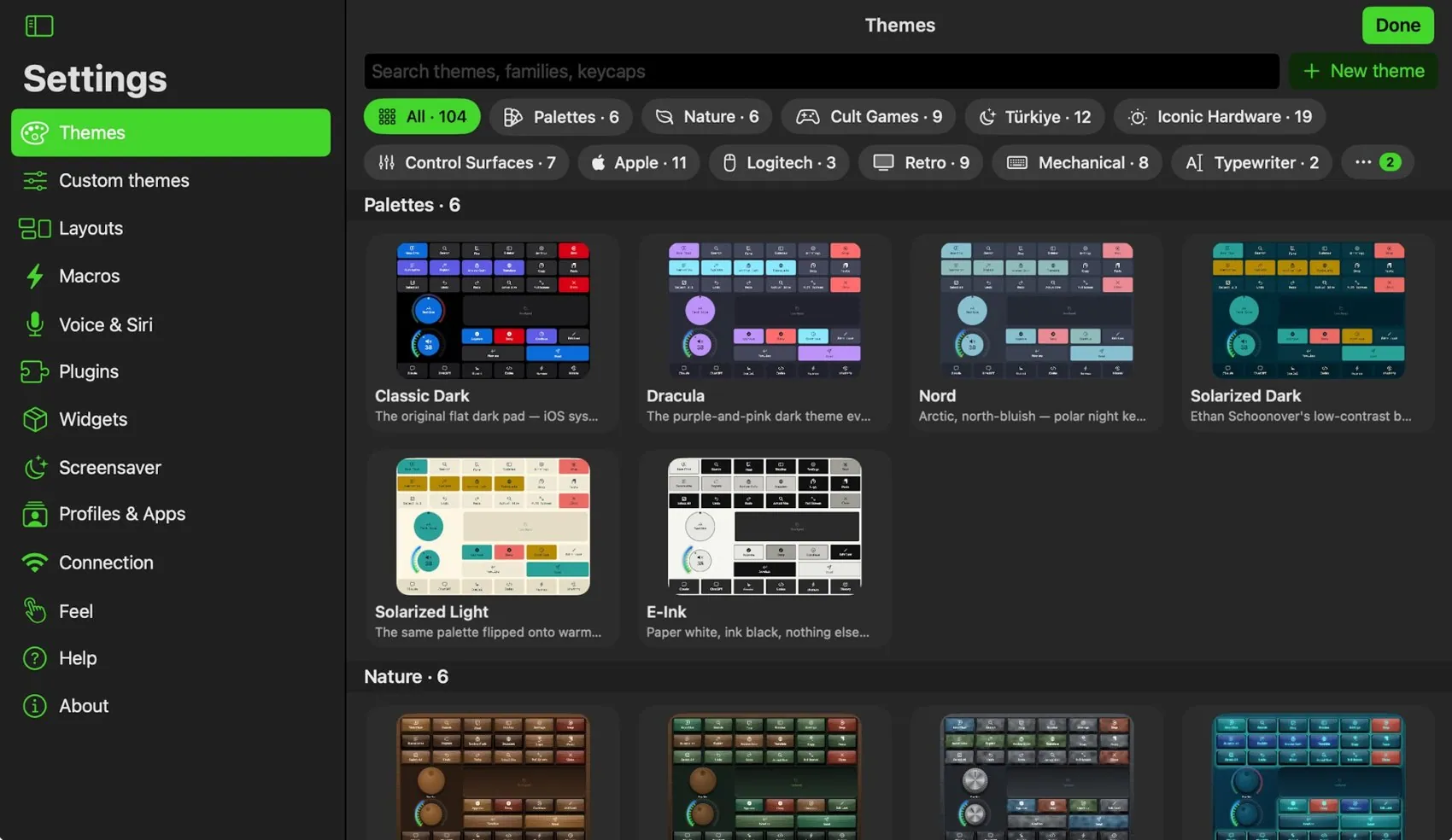
- 81 ready layouts and 104 themes.
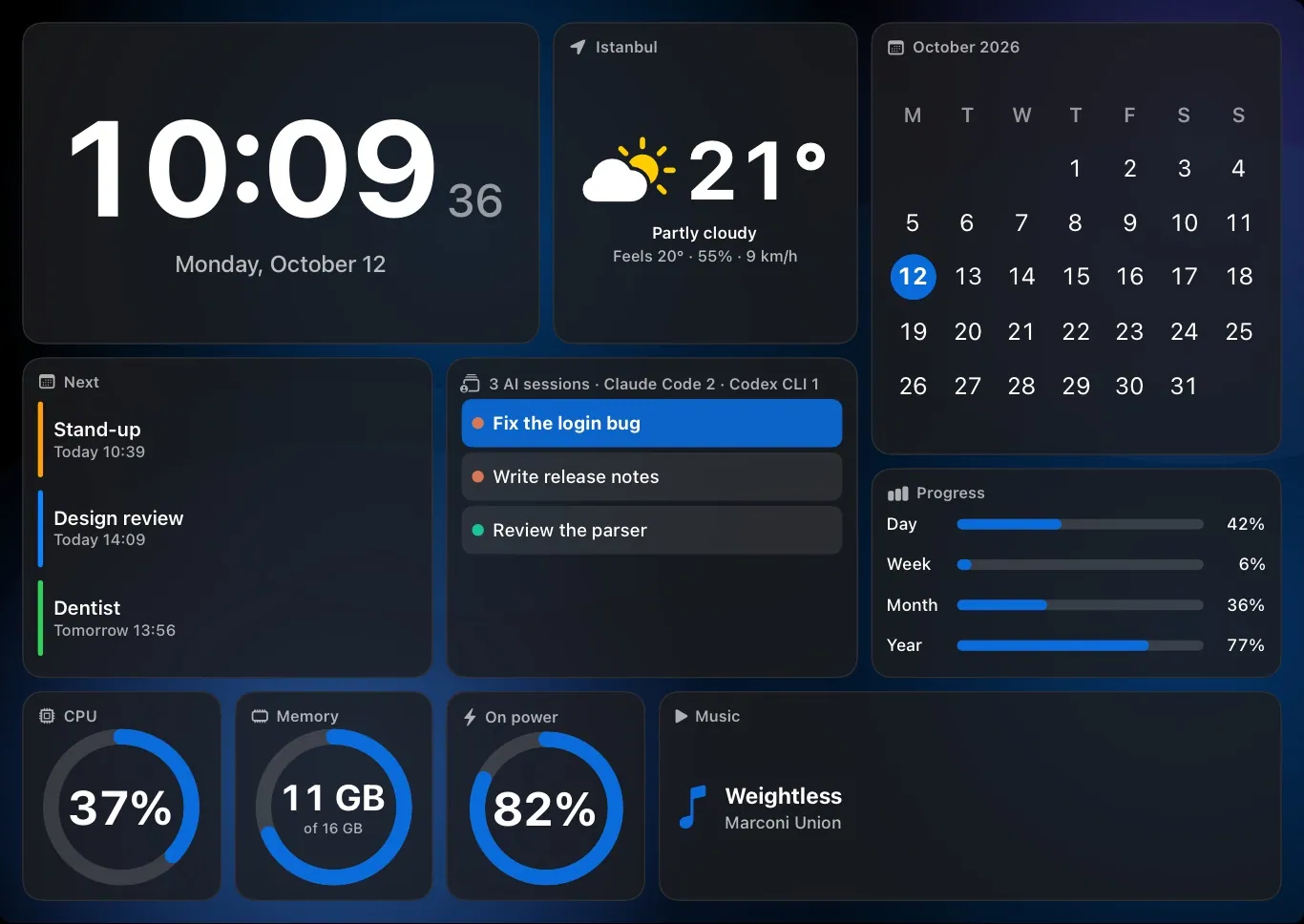
- Macros, voice commands, a screensaver with widgets, and plugins.
- Local network only. No account, no tracking.
- Paid once: a lifetime licence for up to three devices.
Icon
The app icon, 256 × 256 PNG. Please do not change its colours or shape.
Download the iconScreenshots
Real screenshots of iMacroPad on an iPad in landscape. Click a picture to download it.
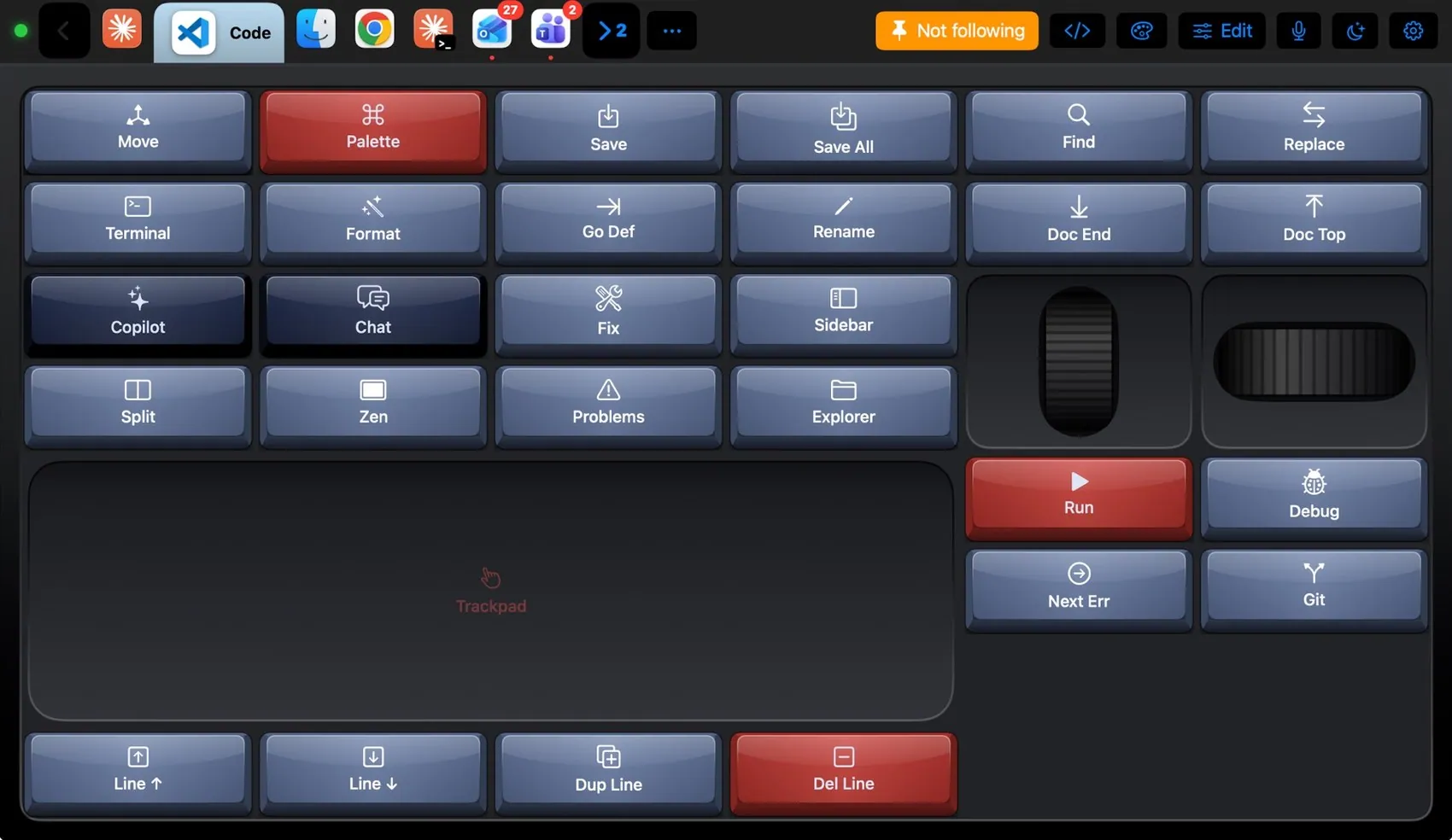
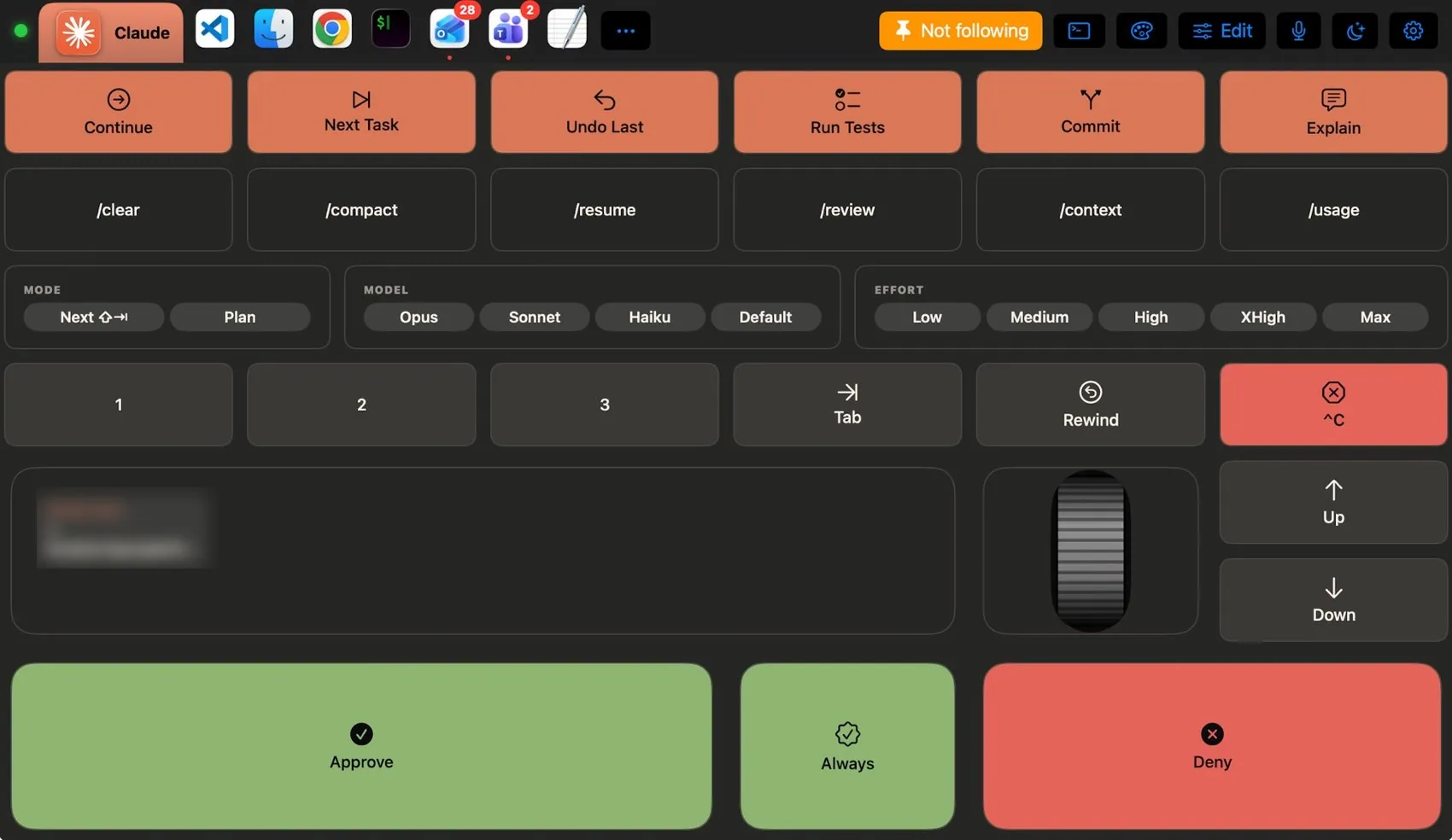
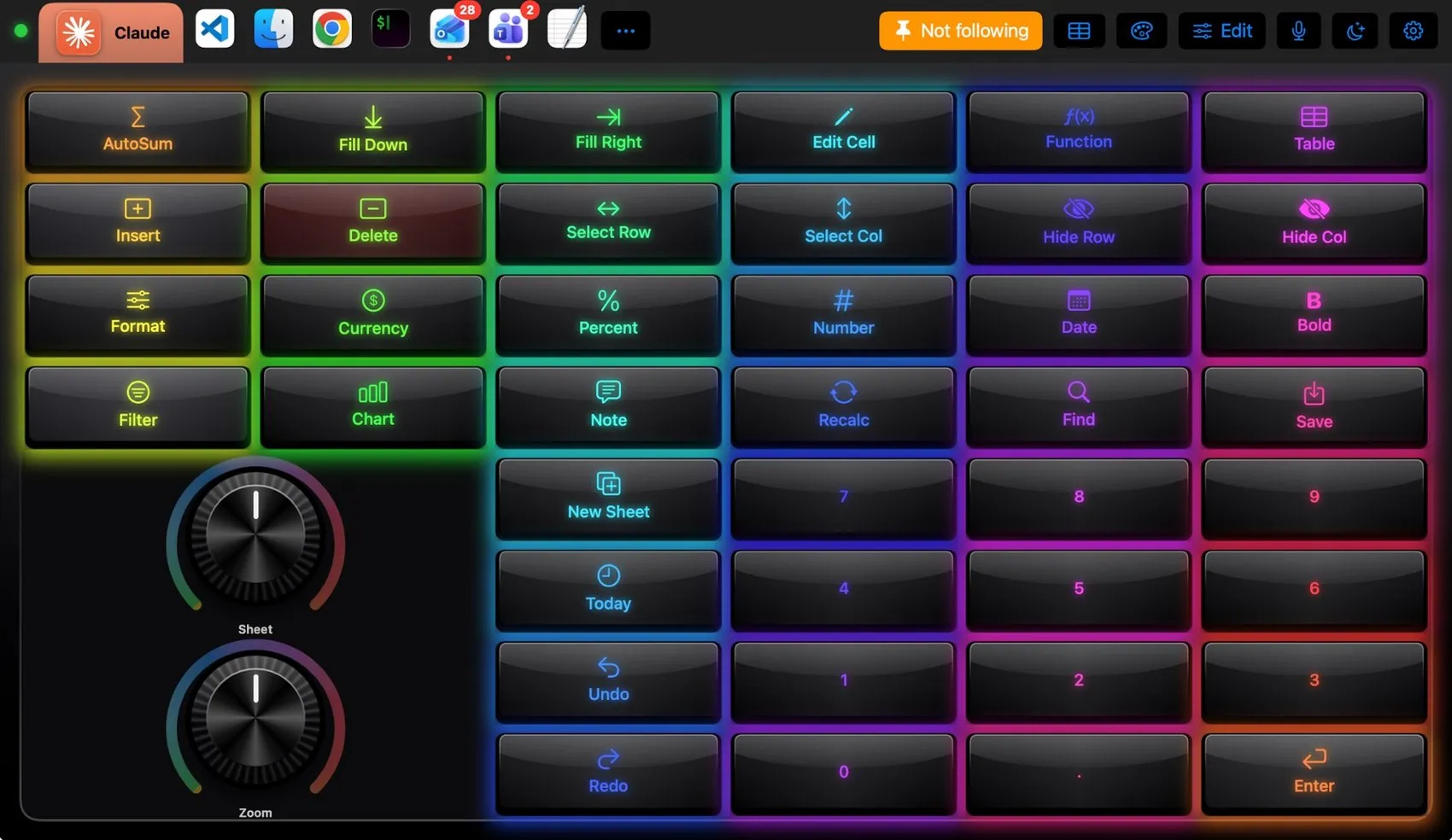
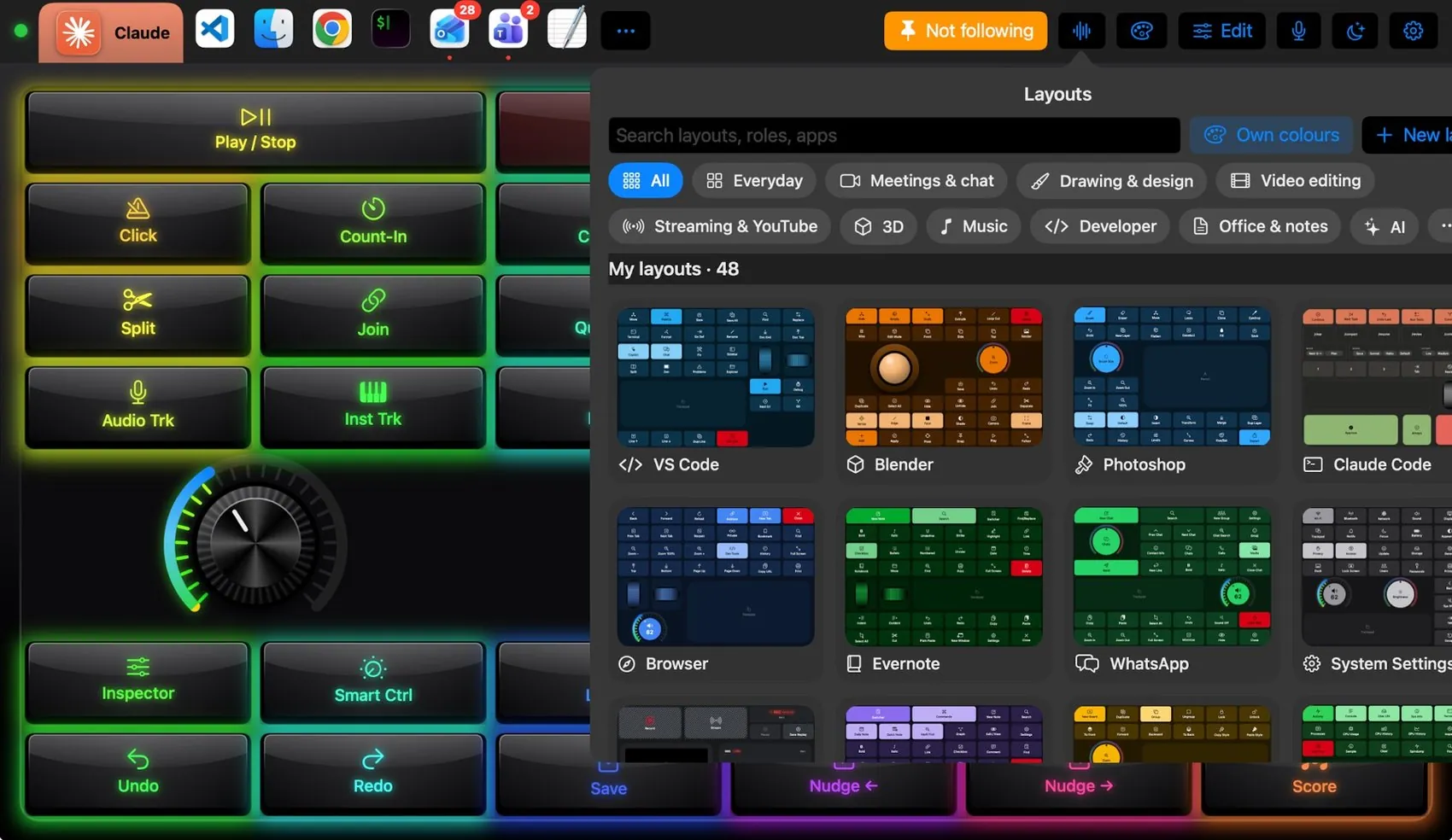
Brand notes
iMacroPad
- Write it as one word: iMacroPad, with a small i and capital M and P.
- In the wordmark, “iMacro” is in the accent blue
#6ea2ffand “Pad” is white, on a dark background. - The Mac app is iMacroPad for Mac.
Contact
For interviews, review licences, more pictures or anything else, write to [email protected].